Automated patient outreach from a spreadsheet: 7 steps
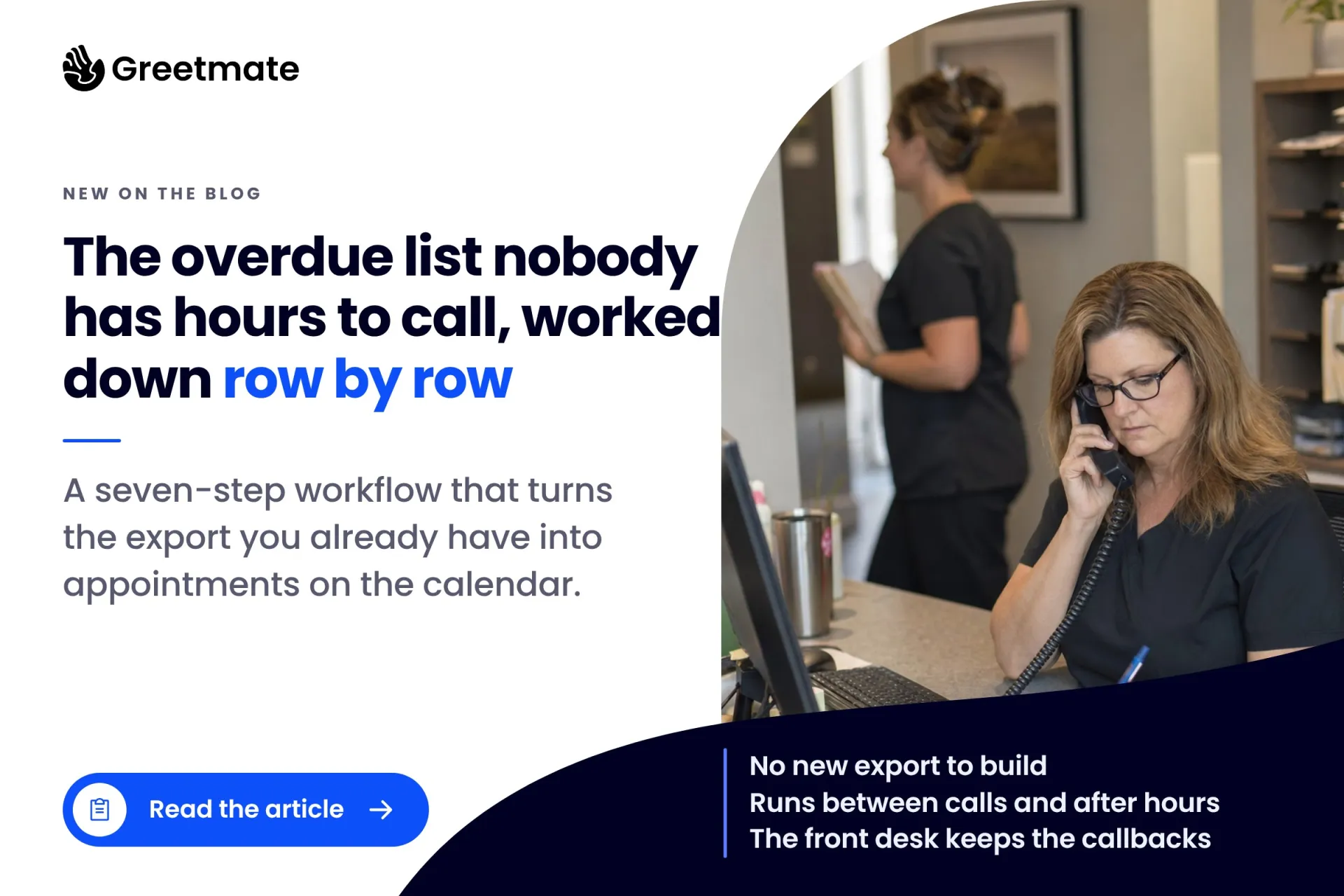
Every practice has an overdue-patient list nobody has the hours to call. Here is the row-by-row workflow that works it down, starting from the export you already have.
| Greetmate
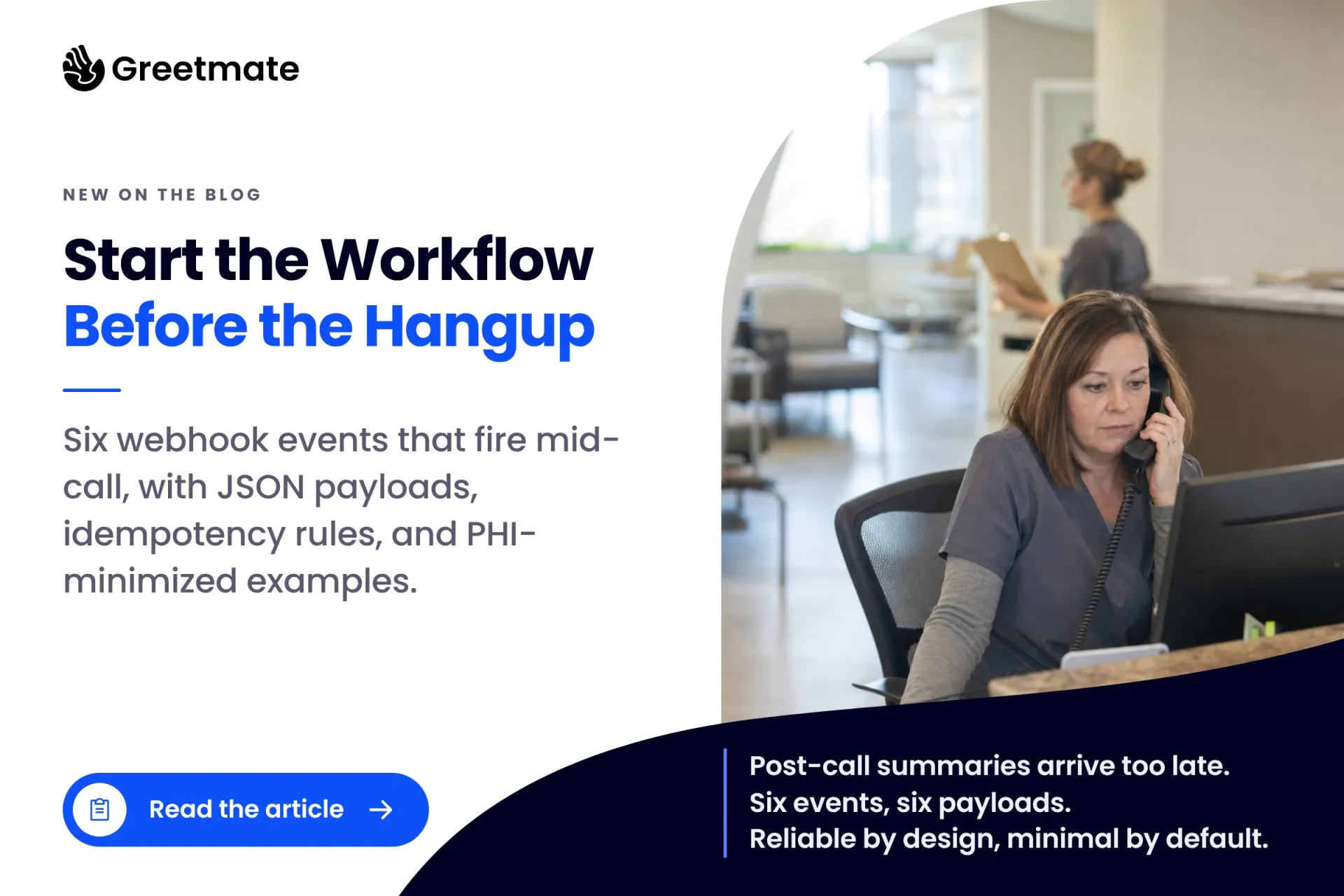
The useful moment in a healthcare phone call happens while the call is still live. The caller says they're a new patient, mentions a records request, or asks to speak to someone today, and most healthcare workflow automation waits for the call to end before it acts on any of it.
Post-call summaries arrive after the caller is gone. The CRM entry, the callback ticket, the page to the on-call provider: each one starts from a recap that lands minutes late and waits on whoever checks that inbox next. Healthcare automation software usually treats the conversation as a thing to summarize. A mid-call webhook treats it as a thing to act on.
A webhook is an HTTP POST your phone platform sends the moment a named event happens, so there's no polling and no waiting on a scheduled report. This post covers six events worth firing before the hangup, each with a JSON payload, and the three rules that keep mid-call firing reliable and the payloads thin.
Table of Contents
Key Takeaways:
Workflow automation in healthcare connects a named event in one system to an action in another, so the work starts without anyone re-typing it. A caller mentions a records request and a release task opens. A new patient calls and the lead lands in the CRM. The event itself is the trigger, and Keragon's healthcare workflow examples follow the same shape, whether that's intake flowing into the EHR or referrals routed to the right queue.
Most healthcare process automation starts from system events: an EHR status changes, a form is submitted, a schedule rolls over. Those triggers work when the source system supports them. EHR API support for event triggers is often thin, though. No-show flags, referral entries, and queue states are frequently the hardest things to fire a workflow from. Where the API can't trigger one, the workaround is a list the staff updates by hand. That works, but it adds a manual step. Drata's overview of HIPAA automation tools reports integration failures as the most common source of automation implementation delays, so every dependency you remove makes the workflow more likely to actually run.
The conversation itself is a trigger surface with none of those dependencies, because the caller already said the thing. A webhook pushes the data the moment the event occurs instead of waiting on a schedule to check for it. That's the difference between an event push and polling. Start the workflow from what the caller said, and nothing downstream waits on another system's state to change.
This is the event where the workflow should do the least. Some conversations reach a point where the caller needs a person now, and callers usually say so in plain words. The webhook's whole job is speed: page the on-call provider, transfer the call, log the event.
{
  "event": "urgent_intent_detected",
  "call_id": "c_8f21a4",
  "detected_from": "caller_requested_provider_now",
  "action": "transfer_and_page_oncall",
  "timestamp": "2026-09-22T14:03:11Z"
}
Note the detected_from field. It records the category of what the caller asked for (they asked to speak with a provider now) and never a symptom classification. The system routes and escalates. It does not screen, assess, or decide anything. The clinical team decides what happens next; the webhook's only job is that the call reaches them.
Route, never assess. This event transfers the call and pages the on-call provider. It does not screen, score, or decide anything about a caller, and what counts as needing a person now is the practice's protocol to define. This event exists to get the calls that need a person to a human, fast.
A first-time caller asks, "I'm new. Do you take my insurance?" By the time anyone picks up the handoff, the lead already exists in HubSpot or GoHighLevel: the name, number, and insurance the caller gave, plus the disposition. GoHighLevel's Voice AI custom actions can POST to a webhook during a live call, with parameters pulled from what the caller said.
{
  "event": "new_patient_lead_created",
  "call_id": "c_8f21a4",
  "crm_contact_id": "98214",
  "source": "inbound_call",
  "disposition": "new_patient_inquiry",
  "insurance": "carrier named on call",
  "timestamp": "2026-09-22T15:42:09Z"
}
This is the event front desk staff feel first: the handoff arrives already started, and follow-up begins from a record instead of a sticky note. One compliance note: this is new-patient intake data, so the endpoints it hits need to sit inside the practice's BAA-covered stack.
Referral calls come from other offices, and they get handled like every other call: queued, answered, noted, forgotten. A webhook that recognizes the caller type can ping the referral coordinator's channel mid-call, so the referral starts moving while the caller is still on the line. If the coordinator picks up before the hangup, the referral is confirmed in one conversation instead of a week of phone tag. Referral leakage is mostly a follow-up problem: the software that stores referrals doesn't make the call, and the call is where the work is.
{
  "event": "caller_type_identified",
  "call_id": "c_8f21a4",
  "caller_type": "referring_provider_office",
  "referred_specialty": "as stated on call",
  "notify": "#referral-coordinators",
  "timestamp": "2026-09-22T16:10:44Z"
}
A caller asks for a callback Thursday morning. Another gets disconnected mid-sentence. In both cases the ticket opens now, with the requested window attached, so nothing depends on a post-call summary landing in the right inbox. The classic leakage pattern runs missed call, no callback, patient lost, and the revenue math behind it is its own post. This event closes the pattern at the source. The commitment becomes a ticket the moment it's made.
{
  "event": "callback_requested",
  "call_id": "c_8f21a4",
  "callback_window": "2026-09-23T09:00-12:00",
  "priority": "same_day",
  "ticket": "opened",
  "timestamp": "2026-09-22T16:44:02Z"
}
Records requests are a privacy-sensitive workflow, not a phone note. The webhook creates a named task in the queue of whoever processes releases, with a reference to where the request details live.
{
  "event": "records_request_received",
  "call_id": "c_8f21a4",
  "request_category": "records_release",
  "reference": "call-log-2291",
  "assigned_queue": "release_of_information",
  "timestamp": "2026-09-22T17:01:19Z"
}
The payload carries a category and a reference. It does not carry a transcript. That is the working rule for every payload in this post: send what the workflow needs, nothing more. A release-of-information specialist who opens a task reading "records request, call log 2291" can do the job. A transcript sitting in a webhook log adds no value and adds exposure.
The last event is visibility. Call in progress, site, call type, current state: pushed live, so an operations lead or a multi-site administrator watches volume and workflow activity as it happens instead of reconstructing the day from an end-of-day report. For groups running several locations, this is what makes standardization observable: one view of what came in and what it produced.
{
  "event": "call_state_updated",
  "call_id": "c_8f21a4",
  "site": "westside",
  "call_type": "new_patient_inquiry",
  "state": "transferring_to_oncall",
  "timestamp": "2026-09-22T17:22:56Z"
}

Fire once, keyed by call ID. Real builders get burned here. On an n8n community thread, a builder describes a voice platform firing several webhook events for a single call, each one spawning a duplicate automation run. Your receiver should treat call_id plus event name as the key: one call, one fire per event type. A duplicate becomes a no-op instead of a second ticket.
Send the minimum, to a covered path. Payloads carry a reason and a reference, never a transcript. General-purpose automation tools (Zapier, Make, n8n) are not HIPAA-compliant by default, so the endpoints these webhooks hit need to sit inside a BAA-covered path. If a payload would embarrass you in a log review, it doesn't belong in the payload.
Every event ends at a human action. A ping, a ticket, a task, or a transfer. The webhook's job is to put the right thing in front of the right person faster. The person decides what happens next; no event in this post triggers an automated decision about a patient.
Greetmate builds flows like these as part of its healthcare voice and SMS infrastructure: the events are scoped, wired to your systems, and tested before go-live. If your team would rather not own the plumbing, carrying it is the service half of what we do.
It connects a named event in one system to an action in another, so work starts without anyone re-typing it. In a phone context the event can be something the caller says mid-call, like a new-patient question, a records request, or a callback ask, and each one starts a workflow in the system where the work happens.
They can, but they usually shouldn't. Minimum necessary is the working rule: event name, call ID, a category, and a reference to where the detail lives. Transcripts and clinical detail don't belong in a payload. Whatever the endpoint receives should sit inside a BAA-covered path, which general-purpose automation tools don't provide by default.
Mid-call events fire while the caller is on the line, so the receiving system can act immediately: page someone, open a ticket, transfer the call. Post-call events fire after the conversation ends and suit summaries and logging. Time-sensitive actions belong mid-call; reporting belongs after the call.
No. EHR status-change triggers are often thin, and the events in this post start from the conversation itself. A shared calendar or a simple list the staff maintains can also start a workflow. EHR integration adds value (appointment write-back is widely supported), but it isn't a prerequisite, and the right trigger depends on your EHR's API and middleware. Scoping confirms it.
Handle patient calls around the clock — including after-hours and overflow — so your front desk can focus on in-office care.
Automate appointment scheduling, patient follow-ups, and reactivation outreach through workflow-driven voice communication.
Connect with your existing EHR, scheduling tools, and operational systems for seamless, end-to-end patient communication.
See Greetmate in Action.
Healthcare voice AI infrastructure — live in hours.
The value isn't in how many webhooks you fire. It's in finding the one event whose follow-up currently fails (the callback that never gets made, the referral sitting in a voicemail box, the new-patient lead that never reaches the CRM) and wiring that one first. Measure it for a month, then add the second.
Greetmate is healthcare voice and SMS AI infrastructure delivered as a tech-enabled service. The workflows are scoped, built against your systems, and tested before go-live. It's HIPAA-ready with a BAA available, it connects to the systems you already run (dozens of EHRs among them), and the reporting shows what the workflows produced.
If one event in this post maps to a follow-up that fails at your practice every week, book a discovery call and name it. That's where we'd start too.
Disclaimer: This article is for informational purposes only and does not constitute legal, compliance, or clinical advice. Automated outbound calls and texts in the U.S. are regulated under the TCPA — consent requirements apply before any automated outbound campaign runs. Call recording and transcription consent rules vary by state; confirm your state's requirements before recording calls. Greetmate's system routes and escalates calls; it never screens, assesses, or provides clinical or triage guidance. Clinical protocols are defined by the practice.
Find helpful articles in our blog that are all about business, customer service and AI technology.
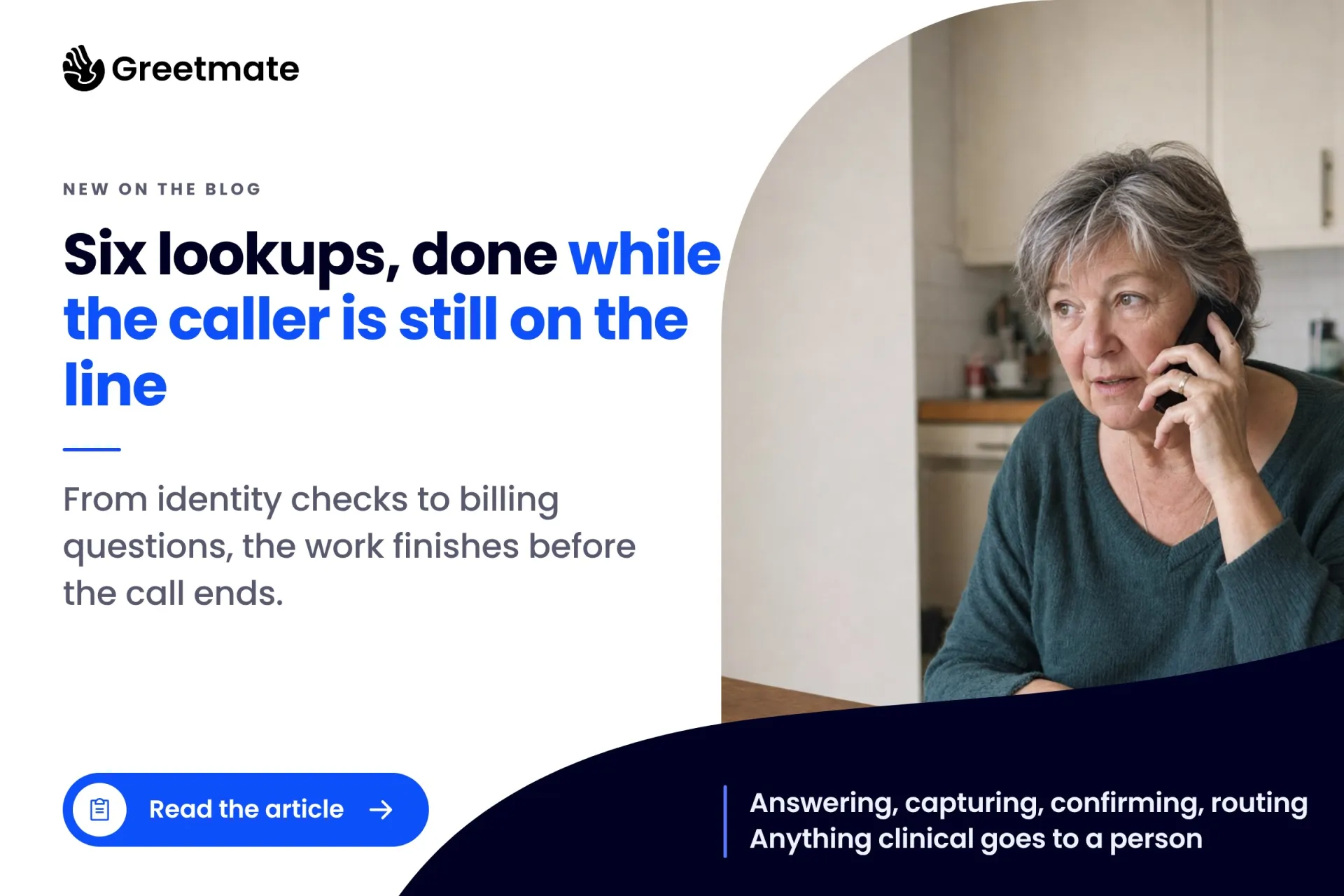
Every practice has an overdue-patient list nobody has the hours to call. Here is the row-by-row workflow that works it down, starting from the export you already have.
Six lookups and writes a voice workflow can run while the caller is still on the line, from identity checks to billing tasks, plus the hard limits it should never cross.