
Medical office phone scripts: 8 templates you can automate
Eight complete scripts for the calls your front desk gets every day, from records requests to recall, plus how each one becomes an automated call flow.
| Greetmate
Most voice AI demos end the same way: the agent answers, sounds convincing, and leaves a message for the front desk about scheduling. Real AI appointment booking, where the slot lands in your schedule before the caller hangs up, is less common than the marketing implies.
A four-month test backs up that skepticism. Retell AI put 20 AI receptionists through appointment-scheduling calls and reported that some platforms booked in about 30 seconds, while others "sent the caller in circles. A few quietly transferred to voicemail and pretended it counted."
The gap between those outcomes usually has little to do with the voice. It comes down to whether the AI can see your schedule during the call. This post walks one booking call end to end, as it runs in a live deployment: the AI checks open slots, offers two times, books one, and the confirmation text goes out before the call ends. It also covers which EHRs the connectors run on, and what a demo call shows versus what goes live against your calendar.
Table of Contents
A captured call is a callback task. The agent took the patient's name and the reason for the call, and now someone at your front desk has to find the chart, find a slot, make the call, and hope the patient picks up. A booked call is finished. The appointment exists and the slot is held.
Plenty of AI medical receptionist products answer beautifully and still end every scheduling call in the first category. Solv Health's analysis of more than a million patient calls found scheduling is the single largest category of calls a practice receives, and coverage of MGMA's 2025 Practice Operations Report puts the average at roughly 53 scheduling-related calls per provider per day at 4.2 minutes each. That works out to about 3.7 hours of staff time per provider, every day, spent booking, rescheduling, and confirming.
An AI voice agent improves appointment booking rates when it can read the practice's schedule during the call: it looks up open slots, offers them, and writes the booking back before the caller hangs up. An agent that can't see the schedule takes a message, and the booking still waits on a staff callback.
Generic voice bots fail at booking for a plain reason: they have a phone and no calendar. The conversation can be flawless and the call still ends in a message, because nothing behind the agent knows what's open at 2:15 on Thursday. For automated patient scheduling to close the loop, three things have to be true.
The agent has to query your actual scheduling system and get the same answer a scheduler would: openings filtered by provider, visit type, location, and day. A cached list, or a "someone will check and call you back," is a message with extra steps.
Read access alone doesn't book anything. The agent needs permission to create the appointment in your system, with the right patient, provider, visit type, and duration, so the slot is held the moment the caller says yes.
Every practice has calls that shouldn't be automated: a booking that breaks your scheduling rules, an insurance question, a visit that needs a scheduler's judgment. The workflow needs routing rules that send those calls to your staff with the details attached. Your team writes those rules. The agent follows them.
Miss any of the three and you're watching a message-taker with a good voice.
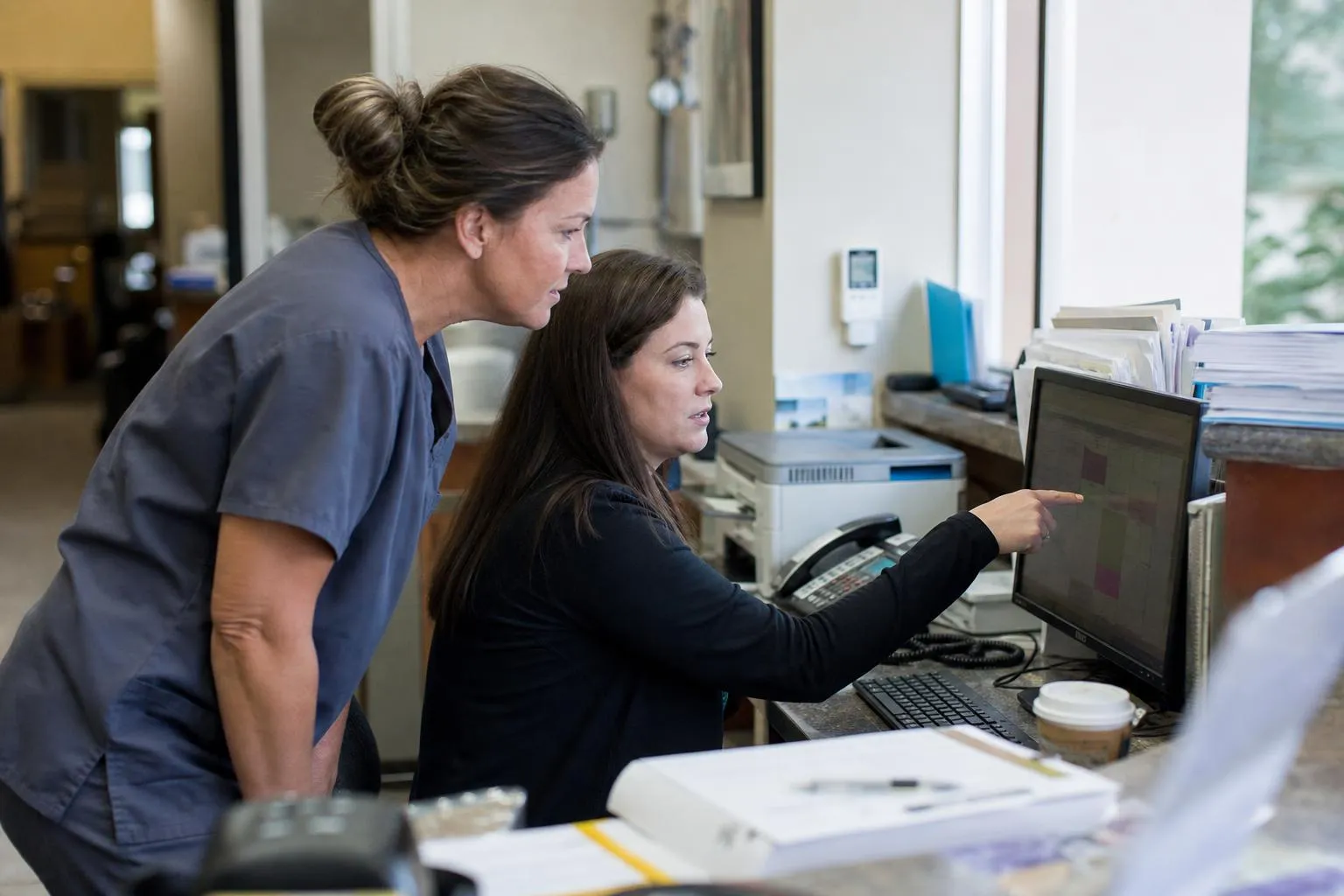
Here's one complete call, what AI patient scheduling looks like when the agent can see the calendar. It's the workflow as designed, tested, and running in a Greetmate deployment. Two things are worth being clear about. The write-back below is what happens in a live deployment: connecting the workflow to your EHR is part of the engagement, built and tested after your scheduling rules are configured, before go-live. And a demo call shows the flow itself — the conversation, the slot lookup, the booking step — not a write into your EHR. Live integration is done during the engagement, and what goes live is the same flow pointed at your calendar.
A caller asks for a cleaning next Tuesday or Thursday. Here's what happens, in order:
Steps two and four are the ones that require a live integration — which is why they run in deployments, after the engagement's integration work, rather than on a demo call. The loop rests on your EHR's API exposing slot lookup and appointment creation, and the data moving through it stays inside safeguards built for healthcare: the automation layer Greetmate runs on, Keragon, is HIPAA-compliant, provides a BAA on all plans, holds SOC 2 Type II certification, and protects data in transit with TLS 1.3.
Greetmate connects to dozens of EHRs, and the integration layer behind those connections carries connectors for the major systems: Epic, Cerner, eClinicalWorks, NextGen, Allscripts, Greenway Health, MEDITECH, Practice Fusion, DrChrono, and Elation, alongside practice-management and scheduling platforms. If your practice runs any of those, the plumbing for a booking workflow exists.
What varies by system is how the loop is configured — how available times reach the agent, and which actions the deployment uses for slot lookup, patient matching, and booking. That depends on your EHR's API support, and it's confirmed during scoping against your actual system rather than assumed from a connector's existence. A connector being available and the full booking loop running on your schedule are two different statements, and the second one is what your deployment is built around.
For the administrator, the math is direct: every call the agent books is a callback task that never gets created. The queue shrinks, the interruptions shrink, and the staff who spent the afternoon returning scheduling calls spend it on work that kept losing to the phone.
For the owner, the case is capture. Production data from another vendor in this category is useful precisely because it isn't ours: Relatient's customer data from August 2025 reported deployments where 62% of inbound calls were answered by the voice AI, 72% were handled autonomously or escalated with details attached, 50% of reschedule requests were completed without staff, and 88% of patients rated the experience Very Good or Great. Treat those as a category measuring stick, then hold your own workflow to your own numbers: calls answered, bookings completed, and abandonment, measured for a month before and after go-live.
Visibility comes with the bookings. Every booking, every call the workflow held back for staff, and every handoff lands in reporting you can audit, so leadership sees what came in and what it produced at the call level. If you want to see how a booking workflow would map onto your schedule and call volume, the platform page shows how the call flows are built. Or bring your EHR's name to a discovery call.

Automated outbound calls and texts are regulated. The TCPA treats an AI voice as an artificial voice, which brings consent rules into play, and a growing set of state mini-TCPA laws adds consent, calling-hour, and opt-out requirements on top of the federal floor. The practical version for a practice: you own your consent and opt-out policy, and any automated confirmation or reminder workflow should be configured to respect it. That covers which hours it may send, what the opt-out language says, and what happens when a patient opts out. This is operational context, not legal advice; the formal disclaimer runs at the end of this article, and your counsel should review the specifics.
Key Takeaways:
Yes, when the deployment's connection to the practice's scheduling system exposes slot lookup and appointment creation. The full loop described above — check the calendar, offer two times, book, confirm, text — runs in live deployments on that basis. Whether it runs on your system depends on your EHR's API support, confirmed during scoping.
The connectors exist across the major EHRs — Epic, Cerner, eClinicalWorks, NextGen, Allscripts, Greenway Health, MEDITECH, Practice Fusion, DrChrono, and Elation — through the healthcare integration layer, plus practice-management and scheduling platforms. Whether the full loop — slot lookup through booking write-back — runs on your system depends on your EHR's API support, and that's confirmed during scoping against your actual system rather than assumed.
Three things. First, that the connection to your scheduling system exposes slot lookup and appointment creation. Second, that the workflow routes whatever your rules say belongs to staff, with the details attached. Third, that someone builds and tests the whole flow before go-live instead of handing your team a configuration project. Miss any of the three and the booking still depends on a callback.
It can, and the mechanism is measurable: calls answered during peaks and after hours, appointments completed on the call, and abandonment coming down. Production deployments in this category have reported 62% of inbound calls answered and half of reschedule requests completed without staff. What matters for your practice is your own baseline: measure calls answered, bookings completed, and abandonment for a month before and after, and hold the workflow to those numbers.
The workflow that books the appointment also triggers the confirmation, so the text goes out before the call ends, as in the walkthrough above. Reminders run as scheduled outbound messages ahead of the visit, under the practice's consent and opt-out policy, with opt-outs honored across every channel the workflow touches.
No. A demo call shows the flow itself: the conversation, the slot lookup, the booking step, the escalation rules. Writing into your EHR requires the integration work that happens during the engagement — your scheduling rules configured, the connection built and tested, go-live supported. That's the delivery model: the workflow is pointed at your calendar when it's ready to be, not before.
Some AI receptionists book appointments and some take messages about appointments, and the difference is schedule access: the connection either exposes slot lookup and appointment creation in your EHR, or it doesn't.
Greetmate is healthcare voice and SMS infrastructure, and the delivery model is built around that distinction. The workflows are scoped, built, integrated, and tested before go-live — a demo shows the flow, and the integration into your EHR is part of the engagement. Greetmate is HIPAA-ready with a BAA available and connects to the systems your staff already work in. A team guides the rollout through launch. Book a discovery call to hear the booking flow on a live call and see how it would map onto your schedule and your EHR.
Reduce front-desk call volume and improve patient communication.
Go live in hours with done-for-you setup.
Disclaimer: Automated outbound calls and texts are regulated. The TCPA treats AI voices as artificial voices, so consent rules apply, and state mini-TCPA laws add consent, calling-hour, and opt-out requirements. Your practice owns its consent and opt-out policy, and any automated communication workflow should be configured to respect it. This article is informational and does not constitute legal advice — consult qualified counsel for your organization.
Find helpful articles in our blog that are all about business, customer service and AI technology.
Eight complete scripts for the calls your front desk gets every day, from records requests to recall, plus how each one becomes an automated call flow.
Outsourcing, another hire, or automation with human overflow. Which one fits depends on your call pattern, not the vendor's pitch.
