Do You Need a Medical Call Center? Three Options Compared
Outsourcing, another hire, or automation with human overflow. Which one fits depends on your call pattern, not the vendor's pitch.

| Greetmate
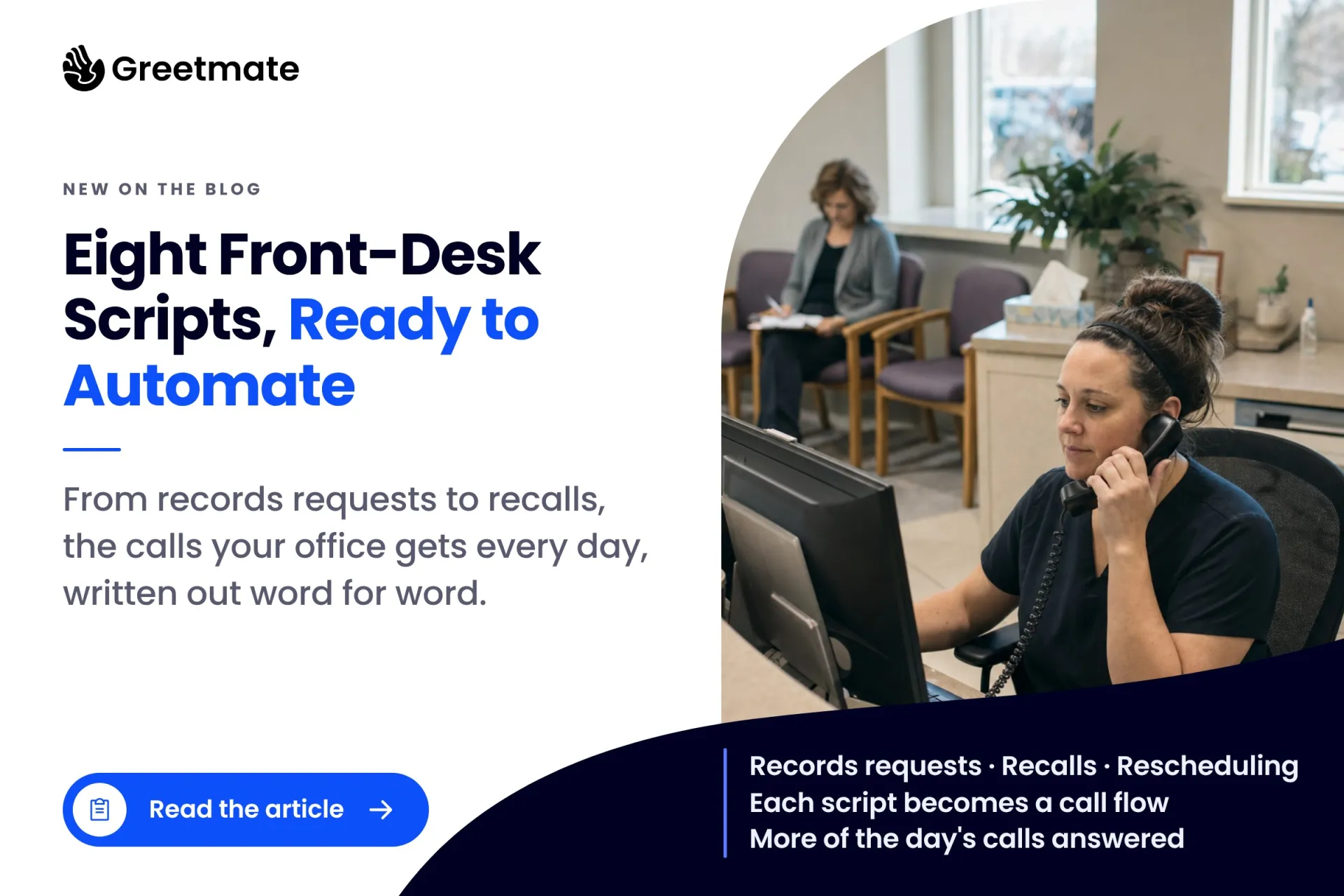
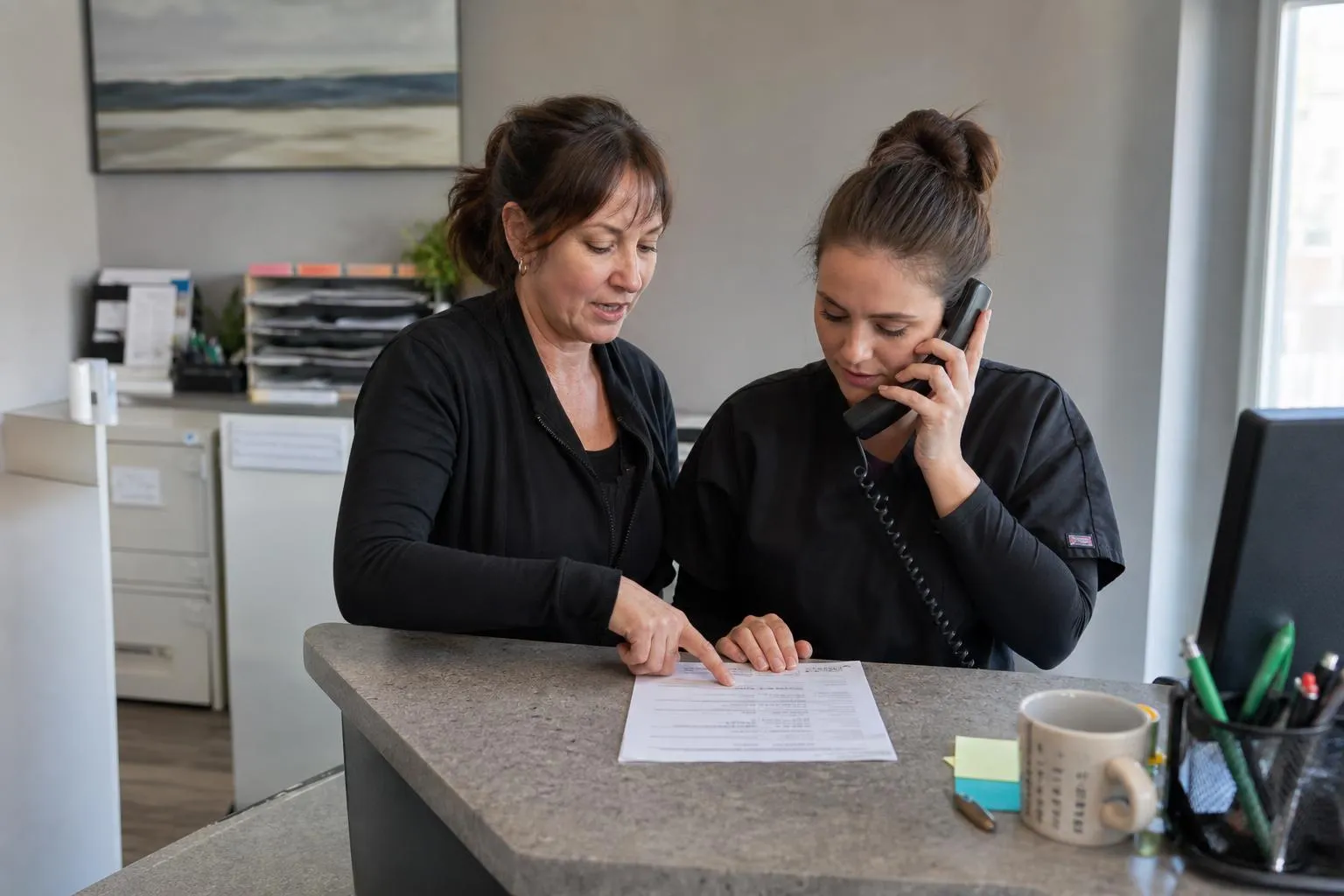
When a new hire starts at the front desk, most medical offices train them by shadowing whoever has been there longest. The medical office phone scripts that person follows live in their head, or in a binder nobody has opened since the last office manager left. Front desk teams at a busy practice can field upward of 100 incoming calls a day, so whatever the newest hire hears on day two becomes the script, whether or not anyone wrote it down.
This post hands you eight complete medical office phone scripts for the call types that hit your desk every day, written in plain conversational language you can use in training tomorrow. Then it shows how each script's decision points become an automated call flow, so the standard stops depending on whoever happens to be nearest the phone.
Table of Contents
Key Takeaways:
What should a medical office phone script include? A workable script has six parts: a greeting that names the practice, a way to confirm who is calling, the fields to capture, a boundary line for clinical questions, a handoff rule, and the next step the caller leaves with. Scripts that skip a part leak appointments, and the leak stays invisible until someone measures it.
Here is what each part does. The greeting names the practice and the person answering. It tells callers they reached the right place and sets the tone for everything after. Caller confirmation comes before anything else: name, date of birth, and a callback number. Every downstream task (pulling a chart, verifying insurance, returning a message) depends on getting identity right the first time. Capture fields are what gets written down, and this is the part most templates skip. It is also the part that makes a script trainable and automatable.
The clinical boundary is one rehearsed line that moves anything clinical to the right person, so a new hire never improvises an answer they are not licensed to give. The handoff rule sets who takes what: scheduling stays at the desk, billing questions go to the billing team, anything clinical goes to the care team. And the next step is what happens before the caller hangs up, whether that's a booked time, a promised callback, or a confirmation text.
This format is not new. The American Dental Association publishes practice-management guidance with sample scripts for frequent call topics, including new patients and insurance calls. And the Agency for Healthcare Research and Quality includes a full structured follow-up call script in its federal toolkit. Scripting the phones is standard practice, from two-provider family practices up to federal toolkits.
These are written the way people actually talk. Swap in your practice name and your schedule details. Each one ends with the fields to capture, because that list becomes the intake structure when you automate the flow later in this post.
"Thanks for calling Riverside Family Medicine, this is Dana. How can I help you?"
"Great, I can get you set up as a new patient. Can I get your full name and date of birth?"
"And the best callback number for you?"
"What's the appointment for, a first visit, a check-up, or something specific? The provider's team uses that to book the right length of visit."
"If you have your insurance card handy, I'll note the plan so we can check coverage before you come in."
"I have Thursday at 9:40 or Friday at 2:15. Which works better?"
If the caller starts describing symptoms: "That's a question for the clinical team, and I don't want to guess. Let me get you in with a provider who can answer it properly."
Capture: full name, date of birth, callback number, reason for visit, insurance plan, two preferred times.
"No problem, it happens. Can I get your name and date of birth so I can pull up your appointment?"
"You're booked with Dr. Alvarez on Tuesday at 10. What works better for you?"
"I can do Thursday at 10, or Monday the 17th at 9. Which do you prefer?"
"You're moved to Thursday at 10, and you'll get a text confirming it. Anything else while I have you?"
The moment a slot frees up, offer it to the waitlist before it dies. If your practice runs same-day rebooking for cancellations, that freed slot is the trigger.
Capture: patient identity, original appointment, new time, reason if offered. Flag the freed slot for the waitlist.
"I can check what we have on file. Can I get your name and date of birth?"
"Here's what our system shows for your plan..." (read exactly what is on file, and stop there)
"For anything beyond that, our billing team works with your plan directly. Can I have them call you back? What's the best number and time of day?"
"I'll pass along the question and your number, and you'll hear back by tomorrow."
The rule this script encodes is simple: read what is on file, never guess at coverage. A wrong answer about benefits costs a patient relationship, and sometimes a review.
Capture: plan name, member ID if available, the exact question, callback number and preferred time.
"We're at 410 Main Street, suite 210, the brick building across from the pharmacy, parking in the back lot."
"We're open Monday through Friday, 8 to 5. Wednesdays we open at 9."
"Anything else I can help with, or did you want to get on the schedule?"
That last line matters. A directions call is often a prospective patient comparing practices, and the first practice to respond usually wins the patient.
Capture: a note that the call happened. The value is the closing question.
"I can start that for you. Can I get your name and date of birth?"
"Is this request for you, or on behalf of someone else?"
"We need a signed authorization form before records leave the office. I can text or email it to you now, or you can pick one up at the front desk."
"Once the signed form is back, our records process handles it. Would you like the form by text or email?"
Records requests are the call type almost every script template skips, and they come in often enough to matter. This call is capture-and-route: the desk verifies identity, captures the recipient and delivery method, and gets the authorization form moving. The release itself is completed by staff under the practice's own process.
Capture: requester identity, who the records are for, recipient and delivery method, form status.
Roughly 23% of calls to medical practices go unanswered, and the share runs higher at solo practices. A callback script is what turns a missed call back into an appointment.
"Hi, this is Dana from Riverside Family Medicine, returning your call from this morning. Sorry we missed you."
"If you still need us, you can call this number back or reply by text. If you were calling to schedule, we have openings this week."
And the SMS version when the callback hits voicemail:
"This is Dana at Riverside Family Medicine, returning your call. Reply here or call us back at 555-0142. We have openings this week if you were calling to schedule."
Capture: the missed call's number and time, callback attempts, and the outcome: booked, message left, text sent, or no answer.
A medical office voicemail script has two jobs: tell callers when you're open, and capture what they need so the right person calls back.
"You've reached Riverside Family Medicine. We're open Monday through Friday, 8 a.m. to 5 p.m. If you're calling to schedule, change, or confirm an appointment, leave your full name, date of birth, and callback number, and we'll call you back the next business morning. If you have a question for your care team, leave the details and we'll route it to the right person. Thanks for calling."
The gap shows once the greeting is written: a voicemail box collects messages and returns nothing until morning. Callers who expected an answer hang up, and a good share of them dial the next practice on the list.
Capture: name, date of birth, callback number, the request, time of call.
"Hi, this is Dana from Riverside Family Medicine, calling because our records show you're due for your annual visit."
"Dr. Alvarez has openings next week. Does Tuesday or Thursday work better?"
"If now isn't a good time, I can text you a link to pick a time whenever it suits you."
Recall is the highest-volume outbound program most practices run, and it usually runs unscripted, which is why it underperforms. Dental practices feel this most. Dental office phone scripts for recall typically lead with the last visit and the interval: "you were last in for a cleaning in March, and the practice schedules these every six months." But the structure is identical: identity, reason, two offered times, a text fallback. If recall is where your volume is, start with the recall system itself.
Capture: patient identity, and the disposition: booked, declined, callback later, or text sent.
A script and an automated call flow are built from the same parts. The branches you write for a human (if new patient, capture these fields; if the caller describes a symptom, hand off; if no answer, send a text) become the branches of the flow. Here is how each template maps:
| Script | What the automated flow handles | Where the output lands |
|---|---|---|
| New-patient inquiry | Answers around the clock, confirms identity, captures reason and insurance, offers times | Appointment on the schedule; intake details in the EHR or a structured handoff |
| Reschedule | Verifies the caller, offers open slots, confirms the change | Updated appointment; freed slot flagged for the waitlist |
| Insurance question | Captures plan, member ID, and the question | Billing queue with callback details |
| Directions and hours | Answers instantly, closes with a scheduling offer | Inquiry logged; booking offered |
| Records request | Verifies identity, captures recipient, texts the authorization form | Records task for staff, form status tracked |
| Callback capture | Calls back missed numbers within minutes, follows with an SMS | Outcome logged; appointment booked or flagged |
| After-hours message | Answers live after hours, captures the request, confirms next-morning handling | Structured task queued; nothing sits in a voicemail box |
| Recall | Works the list, offers two times, sends a text fallback | Booked recalls and a disposition per patient |
An automated flow makes the same handoff the script teaches, on every call. It routes and captures. It does not assess symptoms or give clinical advice. Any judgment call routes to the practice's own staff or on-call team, exactly where a scripted human would send it. The difference is timing: the caller hears the boundary line at 7 p.m. on a Sunday, spoken clearly, instead of hearing a voicemail tone.
Booking and appointment write-back are widely supported across many EHRs. Which connections apply to your practice depends on your EHR software and how its API is set up, so the specifics get confirmed during scoping rather than promised here. Where an EHR's API does not expose a usable trigger (recall lists, no-show flags, referral entries), the workflow starts from a spreadsheet the practice fills in or marks rows in. Both paths work, and the right one depends on the systems you already run. The point is that the output lands somewhere structured, instead of in someone's memory of a phone call.
This is where the delivery model matters. Greetmate is healthcare voice and SMS infrastructure, delivered as a tech-enabled service: the team scopes the call types with you, builds the flows in a no-code workflow builder, connects them to your scheduling and EHR environment, and tests them before go-live. Basic deployments are often live within hours. The platform is HIPAA-ready with a BAA available, and it integrates with dozens of EHRs, so staff keep working in the systems they already use.
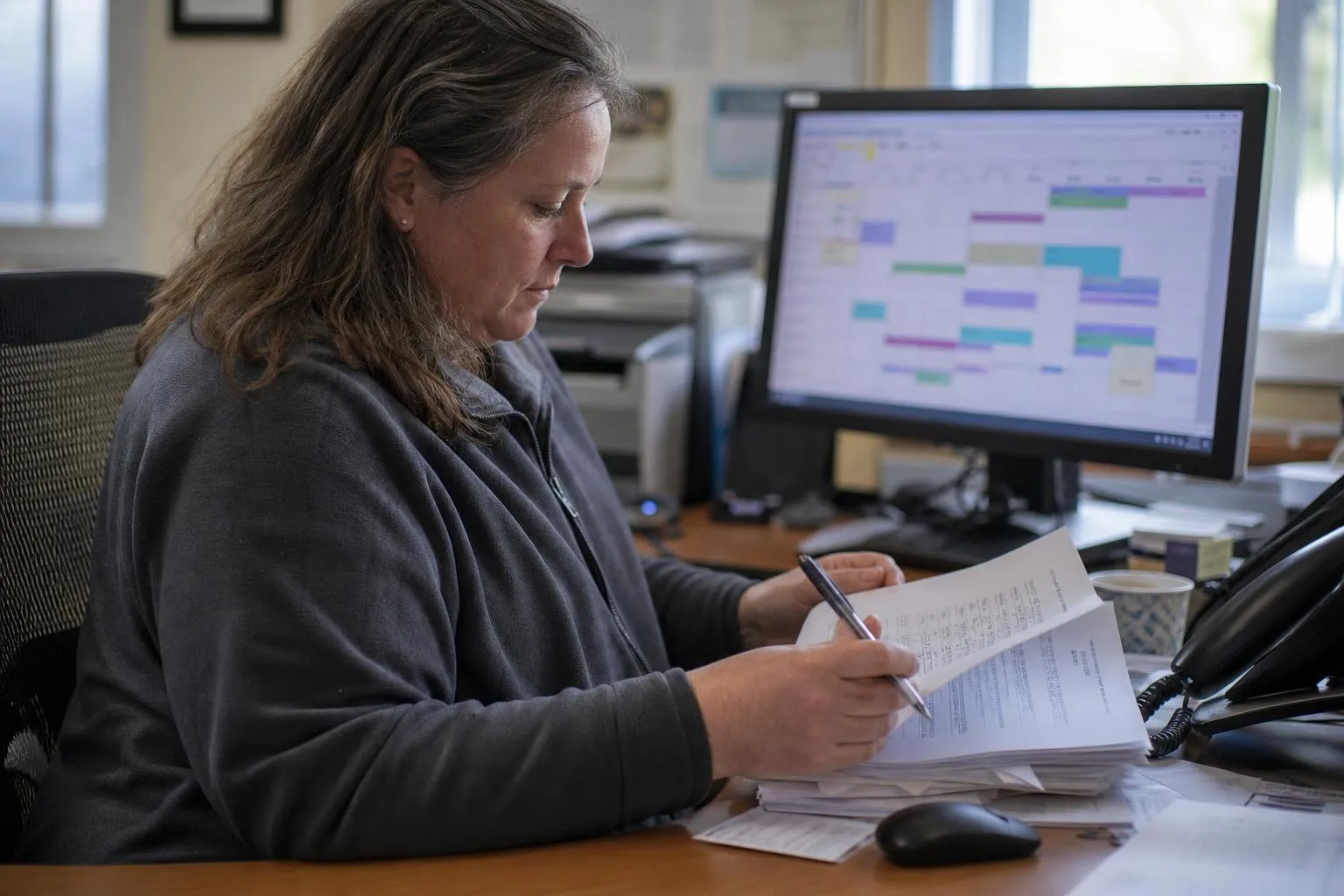
Reporting closes the loop. Leadership can see call volume, which call types are converting, what needs staff action, and what the recall campaign actually produced. The scripts stop being a binder and start being a measured operation. If you want to see one of these eight scripts running as a live flow, book a demo and bring the script you use today.
Etiquette is the behavior; scripts are how new hires learn it. The rules that matter most:
Etiquette collapses at 4:55 on a Friday for a plain reason: the desk is out of capacity, and front desk overload is the real constraint on practice growth. Automation holds the etiquette line when the desk can't: the same greeting, the same confirmation, the same boundary, on every call at any hour.
A greeting that names the practice, a way to confirm the caller's identity, the fields to capture, a boundary line for clinical questions, a handoff rule, and a next step the caller leaves with. Those six parts make a script trainable, measurable, and convertible into an automated flow.
Start with your five highest-frequency call types. Ask the desk, or pull a month of messages. Write what your best staffer says, in plain words. List the capture fields, add the boundary line, and keep each script under a minute of talk time. Train with roleplay, then update the script whenever a call type changes.
Three workable models: a clear voicemail script that captures name, date of birth, number, and the request; an answering service that takes messages; or an automated flow that answers live, captures the request, and confirms next-business-morning handling. In every model, judgment calls route to the practice's own staff or on-call team. Here is a fuller comparison of after-hours coverage models.
Answer promptly, identify the practice and yourself, ask before holding, confirm details back, never guess at clinical or coverage questions, and end every call with a next step. Scripts encode these rules; automation keeps them consistent when volume spikes.
Scripts standardize what your best front desk staffer does on their best day. Automated flows make it the default on every call: the same greeting, the same captured fields, the same handoff, at 8 a.m. and at midnight. The eight templates in this post are training material today and a scoping list tomorrow: each one is a call type, a set of capture fields, and a set of decision points, which is exactly what a workflow build starts from.
Greetmate delivers that build as healthcare voice and SMS infrastructure with a tech-enabled service behind it. The workflows are scoped, built, connected, and tested before go-live, and somebody guides the rollout from first call to steady state. Book a demo and walk through your practice's highest-frequency call type. Bring the script you use today, and you'll leave knowing exactly what it looks like as a live flow.
Reduce front-desk call volume and improve patient communication.
Go live in hours with done-for-you setup.
Find helpful articles in our blog that are all about business, customer service and AI technology.
Outsourcing, another hire, or automation with human overflow. Which one fits depends on your call pattern, not the vendor's pitch.
What actually happens on an after-hours call: routing rules the practice writes, an alert that reaches the on-call provider while the caller is still on the line, and a structured summary waiting by morning. Routing and escalation only, with clinical judgment staying with your licensed team.