Get AI call notes into your EHR without writing code
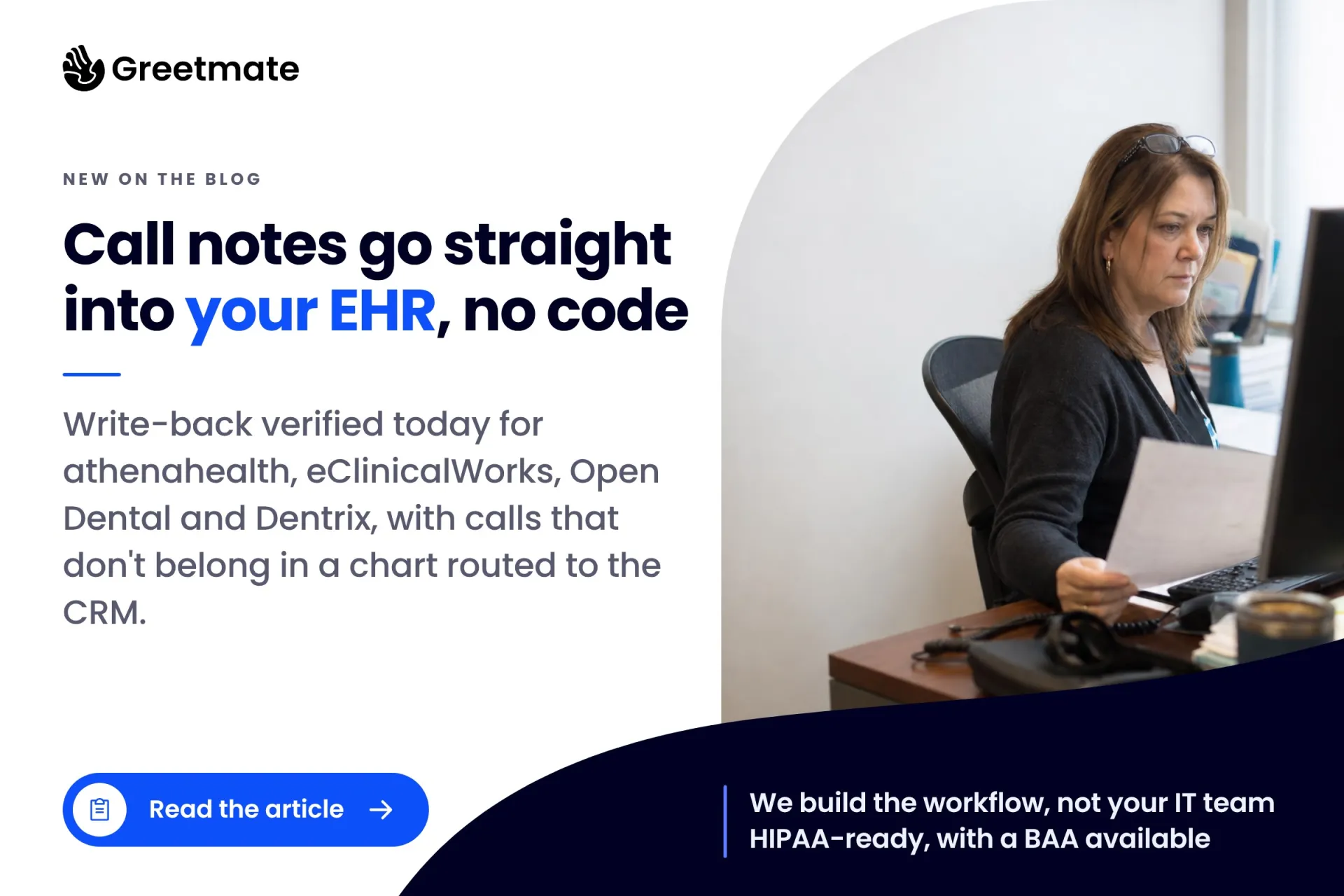
The write-back actions verified today for athenahealth, eClinicalWorks, Open Dental and Dentrix, the CRM routes for calls that don't belong in a chart, and who actually builds the workflow.
| Greetmate
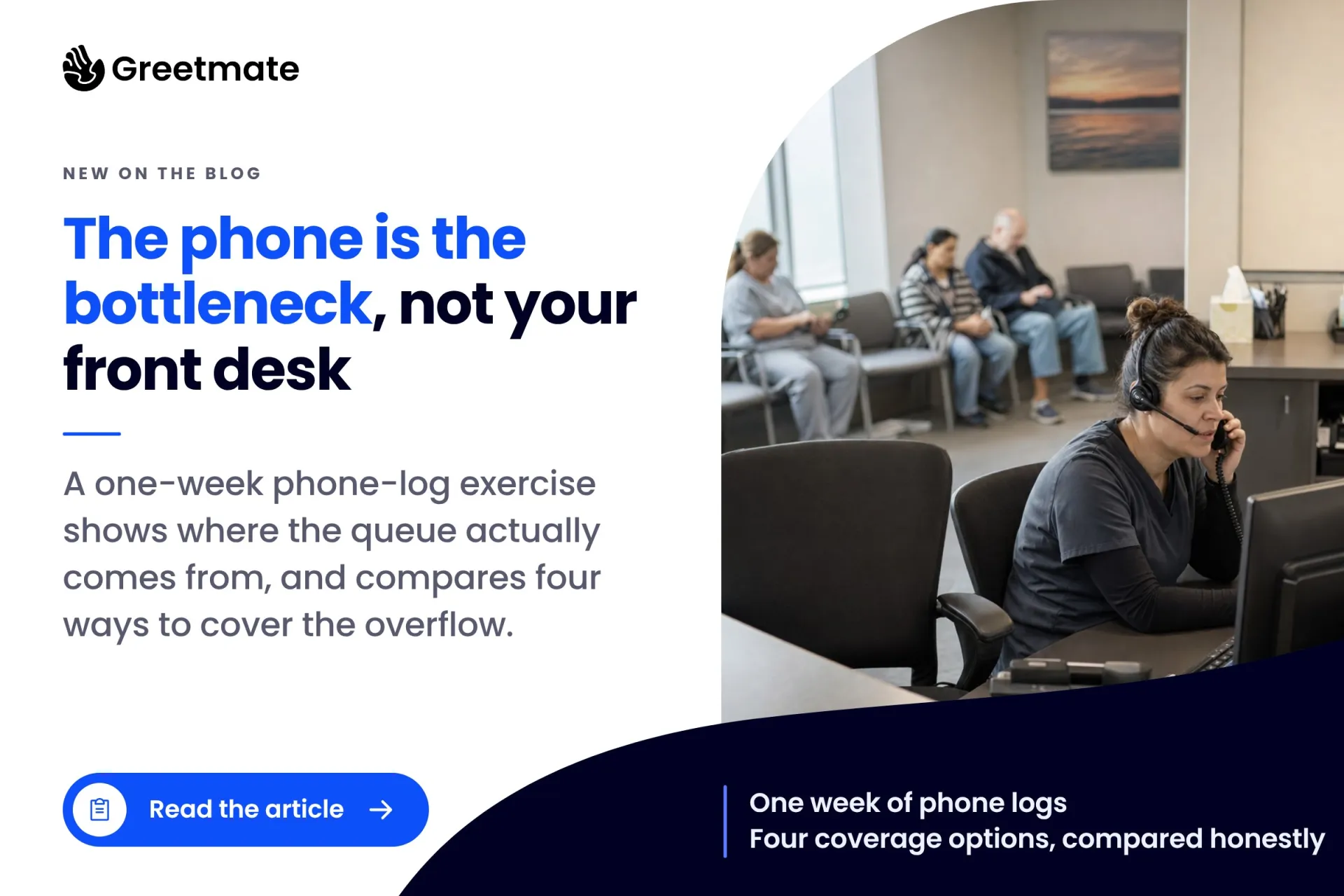
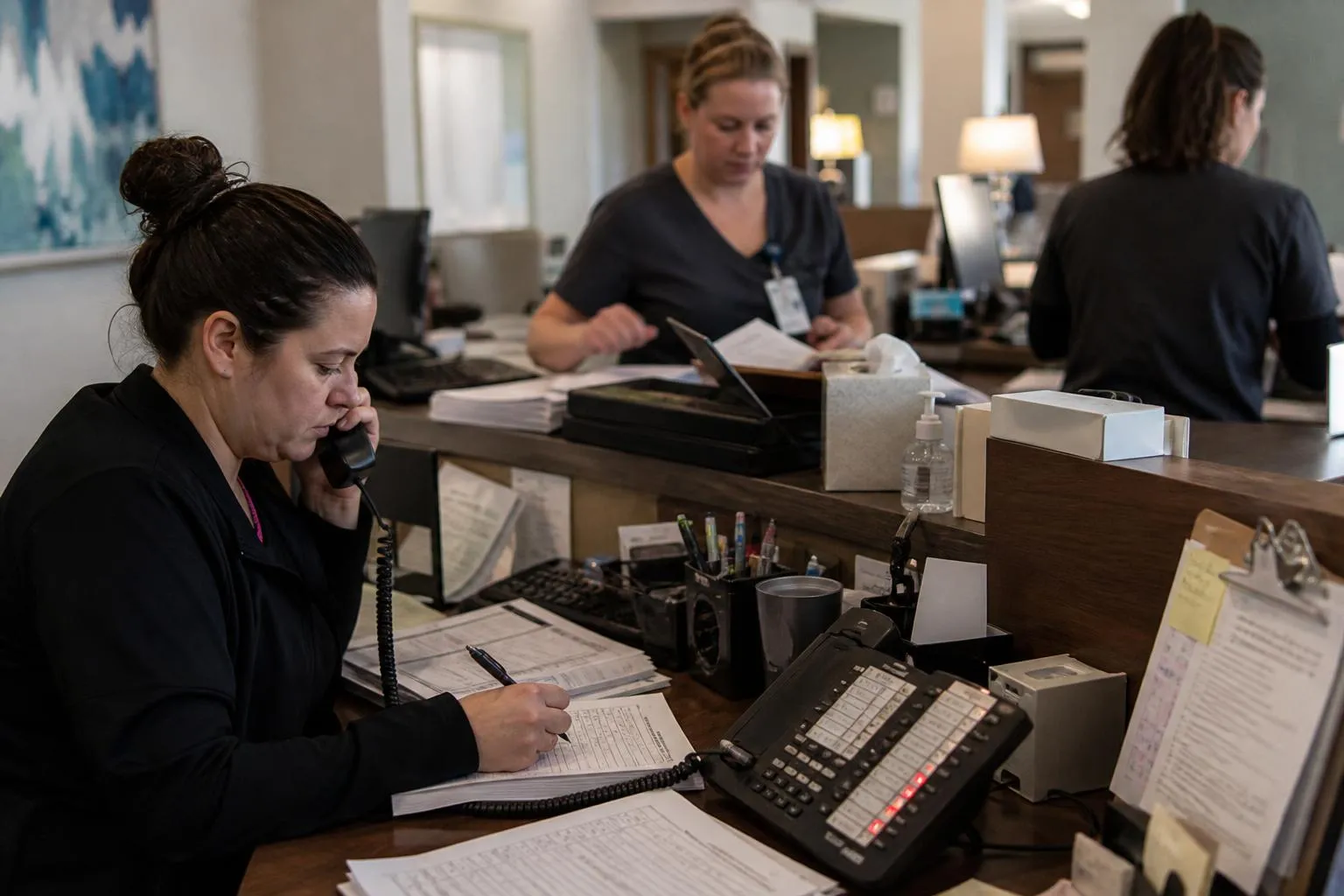
Monday at 8:15 looks the same at thousands of practices: three callers holding, two more ringing in, and one person at the desk already on a line. Overflow call handling is the name for what happens next: the extra calls that arrive while your practice is open and everyone who can answer is already on another call.
If you run or manage a front desk, you know the shape of this. Ten people call in the same half hour. One person can answer one of them. The other nine wait, and some hang up.
The front desk isn't the problem. The phone is the bottleneck: one line carries one conversation, and a peak is everyone calling at once. You can prove that with a week of your own call logs. This guide shows you how to measure three numbers (call abandonment rate, hold time, and peak-hour distribution), benchmark them against published healthcare standards, and choose between the four coverage options that actually exist.
Table of Contents
Overflow call handling covers the calls that arrive while your practice is open but every line is busy: the surge at the Monday peak, at lunch, and in the hour after a provider's schedule fills. Instead of waiting on hold, those calls route somewhere: to a second staffed line, a forwarded answering service, or an automated call flow.
The boundary with after-hours answering is the clock. Overflow is an open-hours problem, with staff at the desk and every line in use. After-hours answering covers the closed window: evenings, weekends, holidays. We compared the four after-hours coverage models for medical offices in a separate guide, so this one stays on the peak.
Every phone system keeps call logs, and most practices never open them. One week of your own logs sizes the problem better than any vendor pitch, because it's your volume, your callers, and your peaks.
For context before you start: healthcare call centers average about 7% call abandonment against a 5.91% all-industry average in 2024, and many physician practices run 10–20% during peak windows, per Patient Prism's benchmark analysis.
The one-week diagnostic: export seven days of call logs, then pull three numbers — abandonment rate, average hold time on answered calls, and arrivals per half-hour. Any modern phone system reports all three.
Abandonment rate is abandoned calls divided by inbound calls over the same window. Ten abandoned calls out of 400 inbound is 2.5%. Run it for the full week, then again for your busiest half-hour windows. The gap between those two numbers is where the peak bites.
The timing tells you more than the total. Most abandoned calls happen in the 30-to-60-second window. Past the one-minute mark, more than 60% of queued callers have hung up, and more than 90% by five minutes. A caller who gives up at 45 seconds isn't impatient. That's when most people give up.
Your log holds two populations. The abandoners leave and never show up in your hold-time numbers. The stayers wait and do. Any fix has to work for both: the caller who won't wait and the caller who will.
Hold time is measured on answered calls: how long the caller who stayed waited before a person picked up. Your system reports it as an average, and the average is where the peak hides. A practice can average 90 seconds while running 10 seconds most of the day and six minutes at Monday 8:00.
Pull the weekly average, then the longest hold of the week and when it happened. For reference, healthcare's average hold time on connected calls runs about 4.4 minutes, a look at what waits turn into when a peak goes uncovered.
This chart settles the staffing question. Export the week's calls, count arrivals per half-hour, and plot them. Most practices find two or three windows where volume doubles. Monday 8:00, the lunch hour, and the after-school rush are the usual ones. Every practice's numbers differ; the common shape is a spike sitting on a normal baseline, something like this:
Calls per half-hour — one example Monday
That chart is the defense of your front desk. Ten callers at 8:00 with one person on phones is arithmetic. Nobody multitasks one conversation into three. What the chart gives you is the size and the schedule of the gap, and a target for whatever coverage you put on it.
Put your week against the published standards.
The Healthcare Financial Management Association (HFMA) sets the targets most revenue-cycle teams use: an average hold time of 50 seconds, with an abandonment goal under 5% and leading practices at 2% or lower. HFMA's own expert Q&A confirms both figures. CMS holds health-plan call centers to a passing bar of hold under two minutes and abandonment below 5%, and the patience numbers behind it show why: about two-thirds of patients won't hold longer than two minutes, and 13% won't hold at all.
If your Monday windows show 11% abandonment and four-minute holds, that isn't a measure of your staff. It's a coverage gap, measured against a standard, with a size and a schedule.
Key Takeaways:
Most pages that rank for this topic sell one model, because each is written by a company that runs one model. Here are the four that exist, with the tradeoff stated for each. Your half-hour chart decides which fits.
| Option | How it works | Best for | The tradeoff |
|---|---|---|---|
| Add staffing for the peak | A second or third person on phones in busy windows | Flat, all-day volume | Full-day wages for a two-hour peak |
| Overflow-only answering service | Calls forward to a service once your lines are busy | Coverage without hiring | The service answers; the workflow stays yours to define |
| Full AI handling with staff escalation | AI answers every overflow call live and hands off what needs a person | Practices that want every call answered in seconds | The call flow must be built and tested before launch |
| Hybrid routing by call type | Rules send each call type to staff, AI, or automation | Multi-location groups; mixed call types | Call types must be defined up front |
Hiring is the right answer when high call volume is an all-day condition: the phone runs at a rate one person can't absorb from open to close. A second phone person is the genuine fix, and nothing here talks you out of it.
The peak problem is different. Peaks are narrow. A hire sized to the Monday 8:00 rush spends most of the day waiting for the next one, so you're paying full-time wages for capacity you use two hours a day. If your chart shows two or three spikes sitting on a normal baseline, extra staffing is the most expensive way to cover them.
An overflow answering service answers your calls only when your own lines are busy. The mechanics live in your phone system: a ring-delay rule forwards the call after a set number of unanswered rings, or a queue threshold forwards it once a caller has waited a set number of seconds. Either way, your staff keeps the calls they can reach and the service catches the rest.
The strength is coverage without hiring: someone answers, every time, with no one new to schedule or train. The tradeoff is context. The service knows a call came in; it doesn't know your workflow. What counts as needing a callback, where the message lands, who works the list, and when the patient hears back all stay yours to define. The caller who reached the service also waits twice: once for the callback, once for the resolution.
In this model there's no hold queue for overflow calls. AI answers every one live and runs the call flow your practice defines: appointment questions, intake capture, directions and hours, insurance-status calls routed to staff. It escalates to a person the moment a call needs one, with the conversation's context attached.
The tradeoff: this option is only as good as its call flow. A thin flow gives callers a worse experience than a hold queue would have. The flow has to be built, tested, and refined before go-live, and someone has to do that work. Greetmate's no-code workflow builder is where those call flows get built, and the integration layer connects them to the scheduling, forms, and inbox systems a practice already runs.
The fourth option routes each call by what it is. Confirmations and FAQs go straight to automation. New-patient intake and scheduling conversations route by rule. Anything that needs a person goes to a person, immediately. Staff keep the calls that take judgment; automation absorbs the volume that doesn't.
Greetmate implements this model. Calls run on structured call flows with fixed escalation paths, the workflows are built and tested before go-live, and the rollout is managed by the Greetmate team so the design work doesn't land on the office manager's desk. Greetmate is HIPAA-ready with a BAA available, integrates with dozens of EHRs so staff keep working in the systems they already use, and basic deployments are often live within hours. For multi-location groups, routing by call type gives every site the same standard for what happens to each call.
The reporting closes the loop this guide opened: abandonment rate, hold time, and peak distribution stay visible after launch, the three numbers you pulled from a week of logs, measured continuously. If you want to see routing by call type on a live call flow, book a demo and bring your half-hour chart with you.
Once routing by call type handles the in-hours peak, the same routing covers the closed window. Callers don't change what they call about at 6 p.m.: scheduling questions, intake, directions, and "I need to talk to a person" arrive after hours too. The coverage decision is one design applied to two windows.
For the closed-window half, read our comparison of the four after-hours answering models for medical offices.
What is overflow call handling?
Coverage for the calls that arrive while your practice is open but every line is busy. Instead of holding, those calls route to a second line, a forwarded service, or an automated call flow.
How is overflow different from after-hours answering?
Overflow covers the open-hours peak, with staff at the desk and every line in use. After-hours answering covers the closed window: evenings, weekends, holidays.
What's a good call abandonment rate for a medical office?
HFMA's benchmark is under 5%, with leading practices at 2% or lower. Healthcare's overall average runs about 7%, so many practices sit between their number and the standard.
What's a good average hold time in healthcare?
HFMA's target is 50 seconds. CMS sets its passing bar for health-plan call centers at hold under two minutes.
How do you handle high call volume without hiring?
Measure first, then route the peak. Chart arrivals by half-hour, find the two or three spike windows, and put coverage on those windows: a forwarding rule, full AI handling with escalation, or routing by call type. Staffing sized to a peak costs full-day wages for part-day volume.
Can AI handle dental overflow calls?
At the workflow level, yes. Scheduling questions, recall and reactivation prompts, insurance-status calls, and FAQs route well, and multi-site dental groups run routing by call type across locations. See how dental groups use it.
One week of phone logs tells you what a year of anecdotes can't: your abandonment rate, your hold time, and exactly when your peak lands. Benchmarked against the HFMA standards (50 seconds of hold, abandonment under 5%), the gap stops being a feeling and becomes a coverage problem you can size and schedule.
The options then sort themselves. Flat, all-day volume points to staffing. A narrow peak points to routing: a forwarding rule, full AI handling with staff escalation, or hybrid routing by call type. Greetmate builds that routing: workflows designed, built, and tested before go-live, HIPAA-ready with a BAA available, connected to the systems you already run, and reported against the same three numbers you measured by hand.
Bring your half-hour chart to a demo call and we'll size coverage to your actual peak.
Find helpful articles in our blog that are all about business, customer service and AI technology.
The write-back actions verified today for athenahealth, eClinicalWorks, Open Dental and Dentrix, the CRM routes for calls that don't belong in a chart, and who actually builds the workflow.
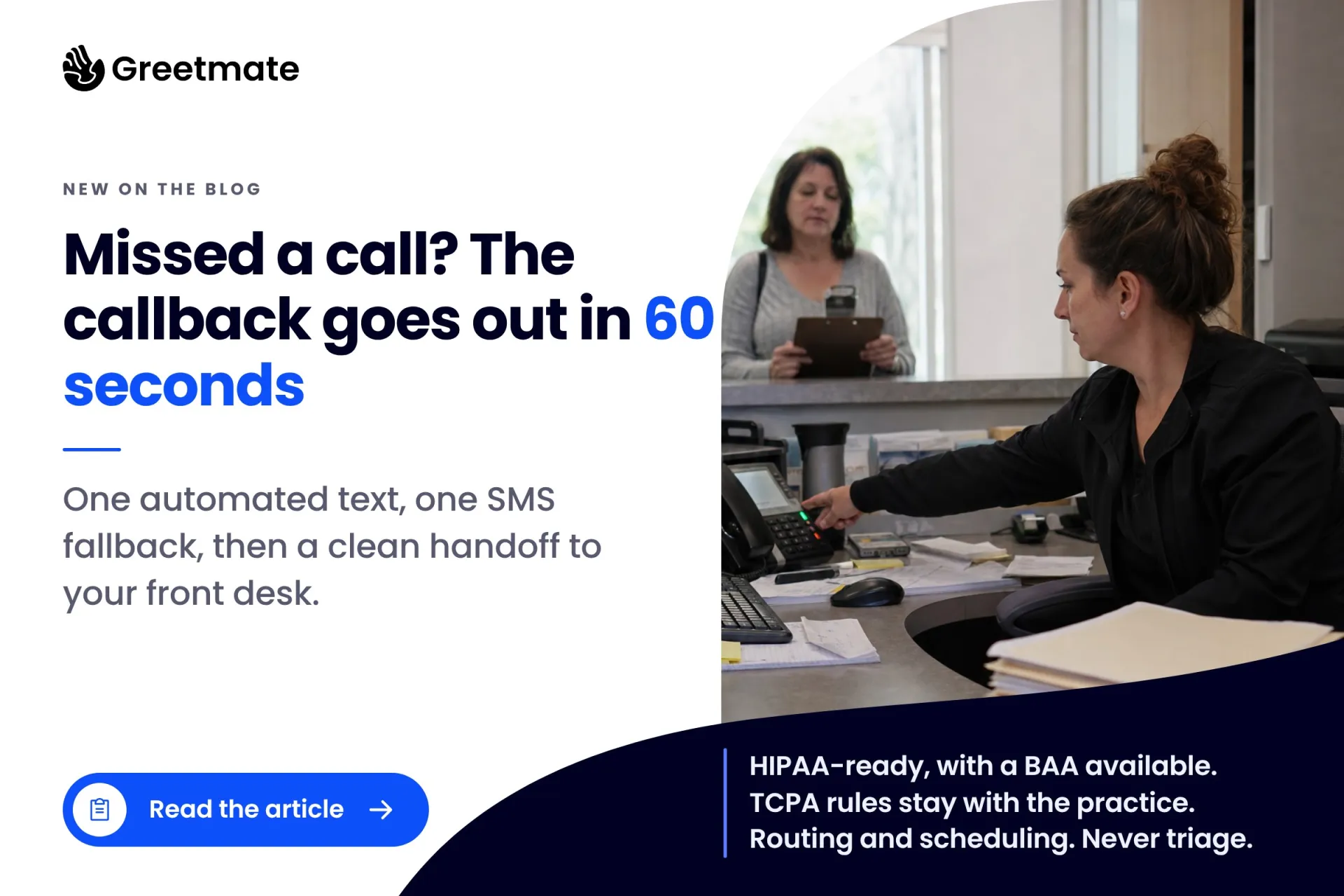
The healthcare version of missed call text back: an automated callback within sixty seconds, an SMS fallback, and a staff handoff, plus the TCPA and HIPAA rules the practice owns.