Missed call text back for healthcare: the 60-second workflow
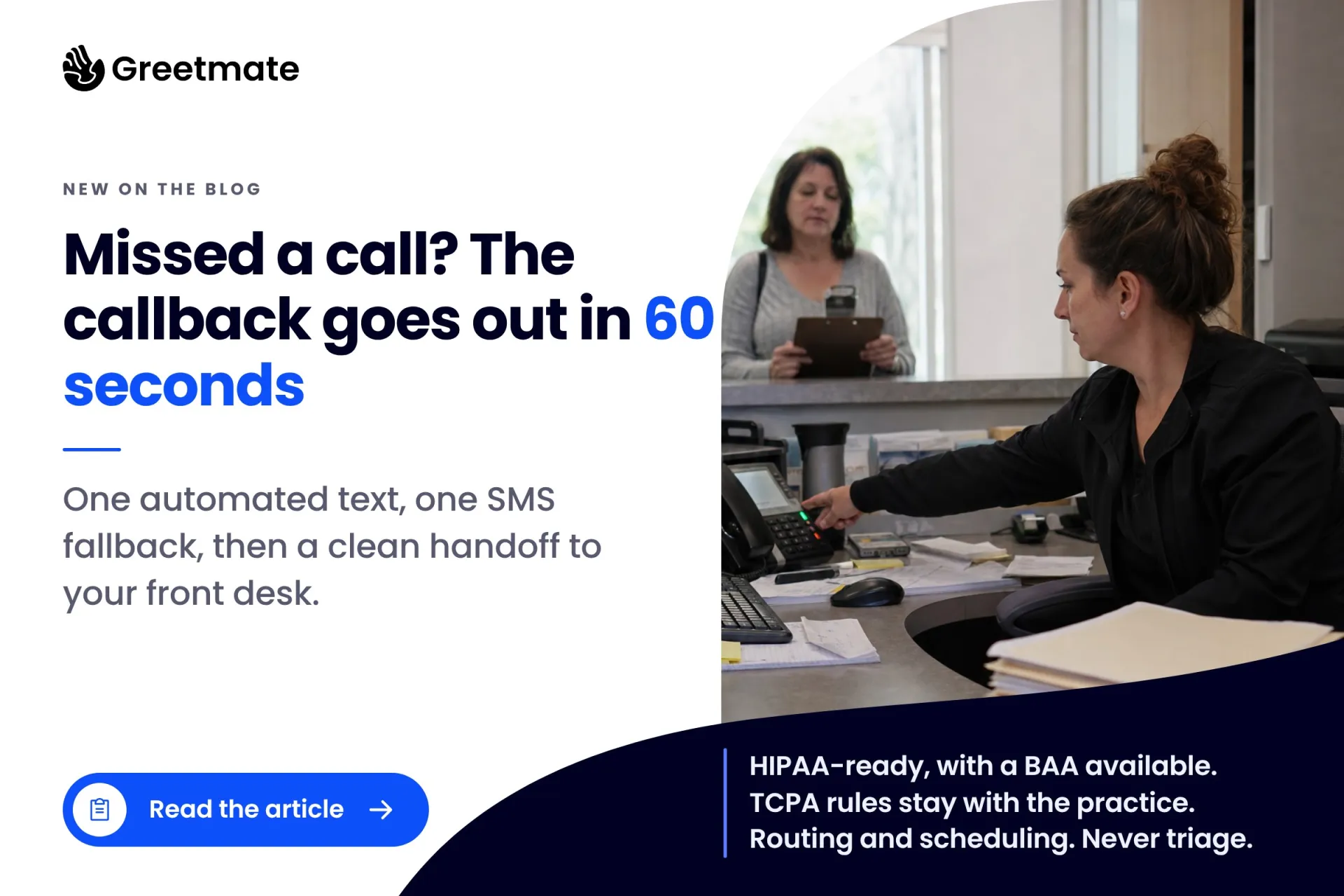
The healthcare version of missed call text back: an automated callback within sixty seconds, an SMS fallback, and a staff handoff, plus the TCPA and HIPAA rules the practice owns.
| Greetmate
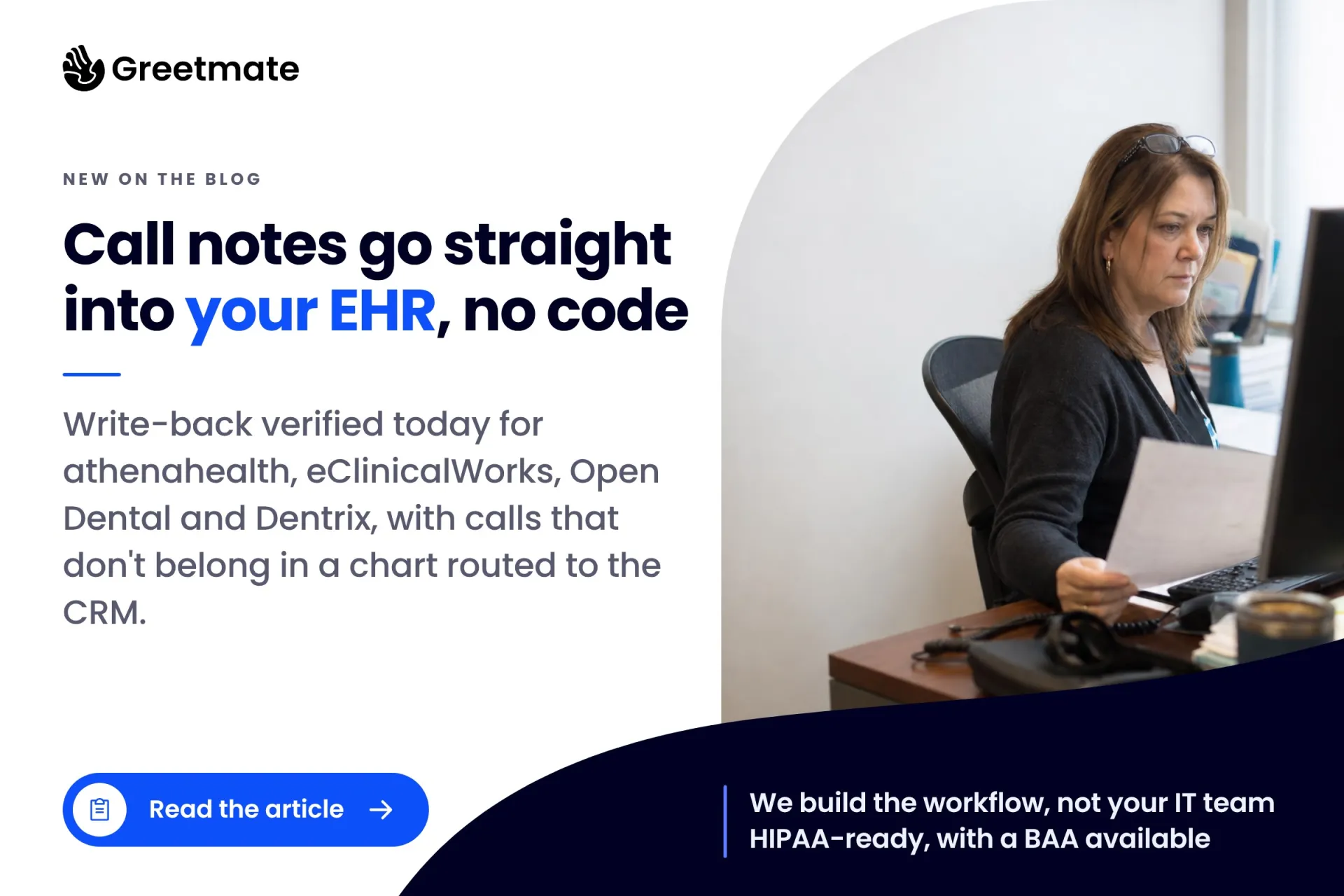
Most AI phone tools promise EHR integration and stop there. The call gets answered, a tidy summary lands in a shared inbox, and the front desk does the actual integration by hand: match the note to a patient, open the chart, retype what the caller said. Some of those notes never arrive at all.
This guide is about closing that gap. You'll find the write-back actions confirmed today for athenahealth, eClinicalWorks, Open Dental, and Dentrix; the CRM and team-chat routes for outcomes that don't belong in a chart; and the mid-call patient lookup that removes the hand-matching step entirely. Where a connector's actions aren't publicly verified, we say so. "It integrates with your EHR" is a marketing line; a named action is something your IT team can build on.
Table of Contents
Key Takeaways:
When your phone system doesn't write to the chart, every call creates a second record. The summary lives in an inbox, on a message slip, or in someone's memory until a staff member moves it into the EHR: match by name and date of birth, find the right encounter, retype the details. The notes that never make it simply don't exist as far as the chart is concerned.
The cost is measurable. Spruce Health's analysis of phone overhead found providers lose more than an hour every day to voicemail retrieval, chart-matching, and callbacks. That's before counting a minute of actual conversation. The phone workload behind that overhead keeps growing, too: an MGMA Stat poll from March 2026 (294 responses) found eligibility and prior-authorization calls consume 45% of phone time, with scheduling at 31%.
Where phone time goes (MGMA Stat poll, March 2026)

The retyping is the visible cost. The quieter one is the gap: a summary that never reached the chart is a summary the next person to open that record never sees. Both costs come from the same place: documentation living outside the record. Both go away when the summary lands where it belongs the moment the call ends.
A call summary can reach the chart two ways. They solve different halves of the problem.
Write-back after the call. The call ends and the AI produces a structured summary: why the patient called, what was resolved, whether a callback was requested, and the next step. A workflow routes that summary to a destination chosen by call type: a chart note, a CRM record, or a staff channel. It arrives as organized data, with no retyping.
Lookup during the call. Through Keragon's MCP, a protocol that lets an AI agent act on connected systems, the agent can work with the patient record while the caller is still on the line. Keragon's published documentation describes the agent verifying that a patient exists, checking intake information, and booking or canceling appointments in real time.
How Keragon's MCP handles credentials and audit. Per Keragon's documentation, the MCP runs on their HIPAA-compliant infrastructure. Credentials are never shared with the AI client, permissions are scoped to what the workflow needs, and every action leaves an audit trail — the details an IT review tends to ask about first.
The practical effect on documentation: when the call ends, the write-back targets a patient the agent already found. Nobody spends the afternoon matching a summary to a chart. This is also the distinction behind how EHR-integrated check-in works. The lookup happens live, while the caller can confirm their own details in the conversation, and the write-back happens after, into a record that's already resolved. A workflow that only writes back still depends on something deciding which chart the note belongs to.
The destination for each summary, whether that's the chart, the CRM, or a team channel, is a routing decision made by call type during design. And under HIPAA, patient data flows only where a BAA is in place with every vendor in the chain. Keragon is also the HIPAA-aligned middleware behind Greetmate's healthcare integrations, which is how these connectors come into play in a live deployment.
Keragon's athenahealth connector publishes a concrete trigger list: patient created or updated, appointment created or updated, orders, patient case, lab results, and claims. On the action side, the confirmed entry is "Update clinical documents in Athena Health." A structured call summary can be routed through that action so it lands in the chart instead of an inbox; the exact document type and placement are set during build and testing.
What the listing doesn't show, as of this writing, is an "update patient notes" or "book appointment" action. If your workflow needs those, they're confirmed during scoping rather than assumed. If they don't exist as packaged actions, the workflow is designed around what does. For a practice administrator, that points to the question worth asking any vendor: which action does the summary go through, by name?
For the IT buyer, the infrastructure underneath is real. athenahealth's REST APIs expose endpoints for demographics, appointments, and clinical documents, with OAuth 2.0 for authorization. It's the same REST-plus-OAuth pattern FHIR standardized across the industry. Where a packaged action is missing, a custom route is possible. The question for your workflow is which packaged actions you can use as-is.
This is the clearest write-back path in the set. Keragon's eClinicalWorks connector lists "Create clinical note — creates a progress note for a patient's encounter" as a named action. For a call summary, that's the whole ask: the intent, the outcome, the callback flag, and the next step go in as a progress note tied to the encounter.
The same connector publishes the surrounding pieces a documentation workflow needs: create a PDF document, create a C-CDA document, create an insurance card/ID document, plus Get encounters and Get encounter for retrieval. Find the right encounter, write to it. Both halves exist as named actions.
The encounter linkage is what makes the note useful later. A note attached to the encounter is the version someone reviewing that visit can actually find, which is usually what an administrator means by "put it in the chart." Operationally, it means a scheduling call, a billing question, and an administrative follow-up can all leave the same kind of trace: a dated, structured note on the right encounter, written the moment the call ends.
For a dental office, Open Dental is the chart of record. If the call summary doesn't land there, the front desk is back to copy-paste no matter how well the call went.
Keragon's Open Dental connector currently publishes triggers for treatment plans, tasks, and procedure logs, along with document retrieval actions: Get document and Get patient documents. Patient and appointment actions, including Get patient and appointment booking, have appeared in earlier versions of the connector's published documentation but aren't in today's listing. Treat them as available pending confirmation: connector surfaces change, and the action set for your deployment is verified during scoping.
The caution matters because the dental workflow depends on placement. A recall call, a treatment-plan follow-up, and an insurance question each produce a summary that belongs in Open Dental, attached to the right patient. The verification step, what exactly can be written and to which object, is short, and it happens before anything goes live. For dental groups running phone workflows across sites, how dental practices standardize the phone side is covered separately.
Keragon's Dentrix connector page exists ("Connect Dentrix with 300+ tools"), but it doesn't publish a public trigger or action list. Neither does the Dentrix Ascend page. The specific write-back actions for a Dentrix deployment are confirmed during scoping, before anyone promises them.
Most vendor content skips that step. "Writes directly to your EHR" gets claimed for every system on the list without naming a single action, and there's nothing your IT team can evaluate in that sentence. So run this checklist with any vendor, for Dentrix or anything else:
The checklist turns a marketing claim into something you can hold a vendor to. In Greetmate's process, that checklist is the scoping step itself: the actions for your exact system are confirmed and tested before go-live.
A CRM for a medical practice is a different record for a different stage of the relationship, and some call outcomes belong there.
Three examples: a new-patient inquiry from someone who hasn't been seen yet, a recall campaign where the record that matters is a marketing touch, and referral coordination with an outside office. Pushing any of those into the chart pollutes the clinical record; leaving them in an inbox loses them. A third route, a team channel, handles staff action items: a callback request flagged to the front desk, a schedule change the team needs to see today.
HubSpot is the common CRM choice, and it carries a compliance nuance most practices miss: HubSpot will sign a BAA, but only for qualifying Enterprise subscriptions. If your CRM tier doesn't qualify, patient data can't flow there. The CRM path requires the right tier of the right product, and good intentions don't substitute for it.
The routing rule holds at every step. Patient data flows only where a BAA is in place with every vendor in the chain: EHR, middleware, CRM, whatever the workflow touches. Where a destination can't be covered, like a staff channel, the workflow can be designed to route a task without patient detail and keep the full summary in a covered system. That's a design decision made per call type during scoping.
Almost every page ranking for these terms assumes the practice configures the integration itself: buy the tool, log in, connect the EHR, work out the edge cases on your own. It's one reason so many deployments stall between pilot and production, and that failure pattern is common enough to have its own playbook.
Greetmate runs a different model. The call flows are scoped, built, and tested against your actual EHR before go-live, and somebody guides the rollout rather than handing over a login. Greetmate integrates with dozens of EHRs, and the list keeps growing. The workflows are assembled in a no-code builder, and basic deployments are often live within hours. Greetmate is HIPAA-ready, with a BAA available, and the same standard is applied to every vendor the workflow touches.
One EHR reality worth knowing before you scope anything: booking and appointment write-back are broadly supported across the major systems, but event triggers, such as a no-show flag, a referral entry, or a queue status, vary by EHR and API. Where the system doesn't expose a usable trigger, the workflow can start from a spreadsheet the practice marks rows in. Both paths work; the right one depends on your software and gets confirmed during scoping.

If you want to know exactly what's possible on your system, that's a scoping question you can settle in one call. Book a discovery call and the team will confirm the write-back actions for your EHR before anything is promised.
Do we need consent to record or transcribe calls? When calls are recorded or transcribed, state consent rules come into play. About eleven states are all-party-consent states (California, Delaware, Florida, Illinois, Maryland, Massachusetts, Montana, Nevada, New Hampshire, Pennsylvania, and Washington) where everyone on the call has to consent to recording. When a call crosses state lines, follow the stricter rule. The safe default everywhere is disclosure at the start of the call.
Whose responsibility is HIPAA compliance? Yours, as the covered entity. That doesn't mean avoiding vendors; it means the BAA chain is your instrument of control. A BAA has to be in place with every vendor in the chain that touches patient data: the voice platform, the middleware, the CRM if one is in the path. Greetmate is HIPAA-ready, with a BAA available, and the same requirement applies to Keragon and to any other system the workflow touches.
Both questions get answered during scoping, while the workflow is still a diagram you can change. That's when you want them answered: before go-live, and before the first real patient call flows through it.
EHR integration is the connection that lets a phone or workflow system read and write to your electronic health record: it finds the right patient, creates notes, and updates documents so staff work in one record instead of copying between two. For call documentation, it means a call summary lands in the chart without anyone retyping it. Buyers and vendors use EHR and EMR interchangeably; the write-back question is the same either way.
Yes, where the connector publishes a write action, and the answer is only as good as the action's name. eClinicalWorks has a named "Create clinical note" action that writes a progress note to an encounter. athenahealth's confirmed action is "Update clinical documents." Open Dental and Dentrix specifics are confirmed per deployment. The per-system sections above list exactly what's verified today and what isn't.
No. This isn't a self-serve integration project. The workflows are scoped, built, and tested against your actual EHR before go-live, and the connector actions for your system are confirmed during scoping. Your IT team's job is review and sign-off, not implementation.
They hold different records. The EHR is the record of care; a CRM tracks people who aren't patients yet (inquiries, recalls, referral outreach). Route by call type: chart notes for calls about existing patients, CRM records for leads and campaigns. And check the tier before anything else, because HubSpot signs a BAA only for qualifying Enterprise subscriptions.
About eleven states require all-party consent, and calls that cross state lines should follow the stricter rule. The safe default is disclosure at the start of the call. The full state list is in the compliance section above.
The note-in-the-inbox problem is a routing problem. Calls produce structured summaries; each summary needs to land in the system that owns that relationship: the chart for patients, the CRM for prospects, the staff channel for action items. Routing problems get solved by designing against verified connector actions, and verification is the step most vendor pages skip.
You now have the current picture: a named clinical-note action for eClinicalWorks, a confirmed clinical-documents update for athenahealth, per-deployment confirmation for Open Dental and Dentrix, Enterprise-tier BAA conditions on the HubSpot path, and a mid-call lookup that ends hand-matching. Call it EHR integration or EMR integration. What matters is the mechanics: a named action, a tested workflow, a BAA at every step.
If your practice runs on one of these systems, the fastest next step is a scoping call where the team confirms the exact write-back actions for your EHR before anything is promised. Book a discovery call. You'll leave knowing what's verified for your system.
Handle patient calls around the clock — including after-hours and overflow — so your front desk can focus on in-office care.
Automate appointment scheduling, patient follow-ups, and reactivation outreach through workflow-driven voice communication.
Connect with your existing EHR, scheduling tools, and operational systems for seamless, end-to-end patient communication.
See Greetmate in Action.
Healthcare voice AI infrastructure — live in hours.
Disclaimer: Call recording and transcription consent rules vary by state — roughly a dozen states require all-party consent, and calls that cross state lines should follow the stricter rule. Announcing at the start of a call that it may be recorded or transcribed is the safe default. HIPAA compliance is the covered entity's responsibility: a BAA must be in place with every vendor in the chain that touches patient data. This article is operational guidance, not legal advice — consult qualified counsel for your state and situation.
Find helpful articles in our blog that are all about business, customer service and AI technology.
The healthcare version of missed call text back: an automated callback within sixty seconds, an SMS fallback, and a staff handoff, plus the TCPA and HIPAA rules the practice owns.
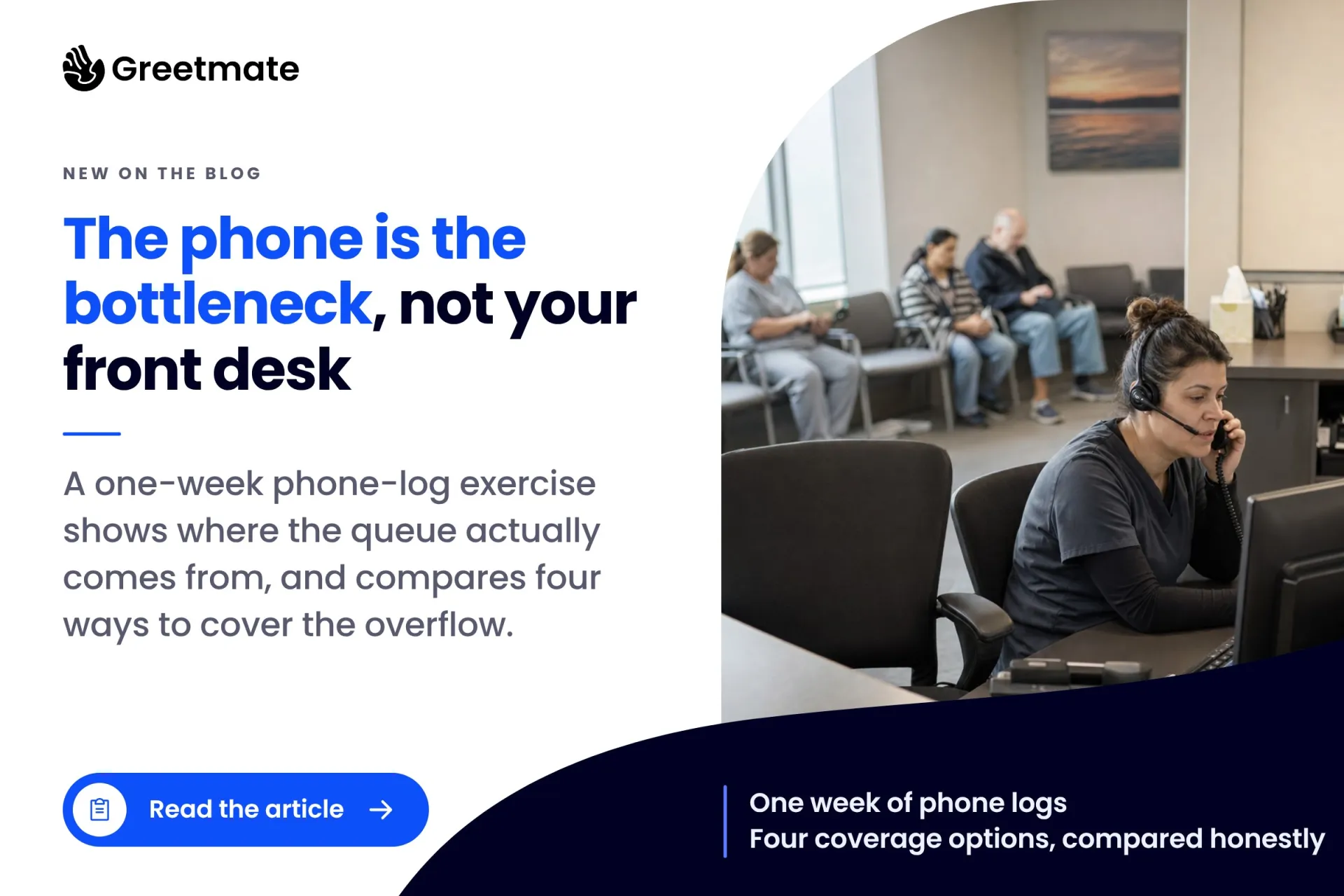
Ten callers, one line, and a queue that clears by noon. A one-week phone-log exercise that proves the phone is the bottleneck, not the front desk, plus an honest comparison of the four coverage options.