Physician answering service: 5 checks before you sign
The vendor checklists cover training and demos, none of it checkable. Here are five things you can get in writing before the contract starts, with benchmark numbers to hold against.
| Greetmate
Signing a contract does not move your HIPAA exposure to the vendor's side of the table. When a patient calls after hours and leaves a message, your practice is still the covered entity, and the patient information in that message is still your responsibility. That is what makes choosing a HIPAA compliant answering service a vetting project, and it deserves the same care you would give an EHR contract.
Plenty of vendors put "HIPAA compliant" in their website footer. Some can back it up. Some mean they will sign a business associate agreement and stop there. The difference shows up during an audit, a complaint, or a breach report, moments when nobody cares what the footer said.
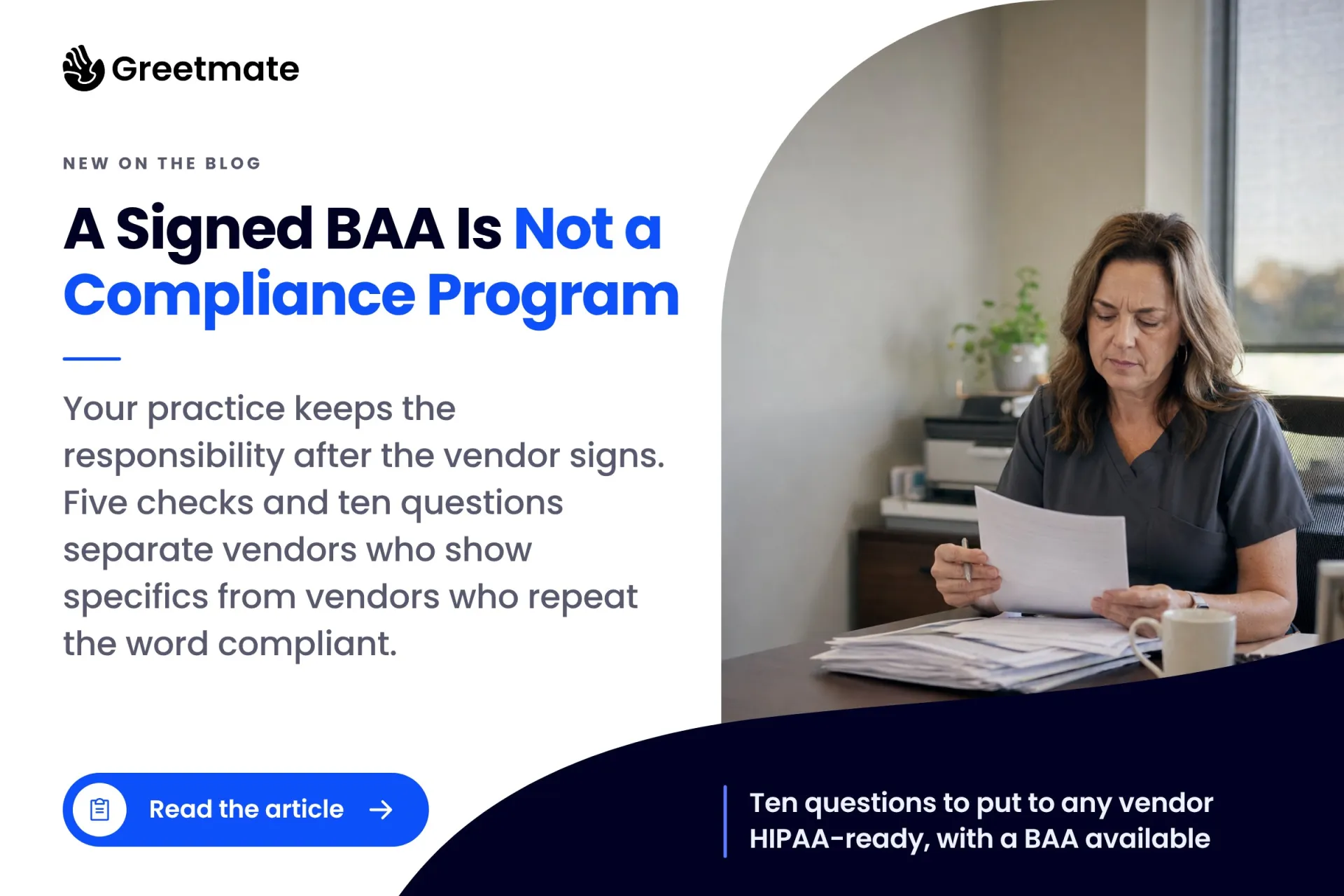
Below is a five-point compliance checklist for answering services, then ten questions to ask any vendor before you sign. Each question comes with what a good answer sounds like and what a red flag sounds like, so you can tell the two apart while you still have the pen in your hand.
Table of Contents
Key Takeaways:
A HIPAA compliant answering service operates as a business associate of your practice. It signs a business associate agreement before touching patient information, protects the messages and texts it takes, trains and limits the people who can read them, and covers its subcontractors under the same agreements. The signed BAA is the legal minimum.
In plain terms, HIPAA treats your practice as the covered entity. Any outside company that receives, stores, or transmits patient information on your behalf is a business associate, and an answering service that takes messages for patients sits squarely in that definition. Two things follow. The BAA has to be in place before the first call, not after onboarding. And it has to limit the vendor to the services you hired them for: taking messages and delivering them to you.
The agreement also obligates the vendor to protect the information, to notify you on a defined timeline if something goes wrong, and to return or destroy everything when the contract ends. Those obligations are why the rest of this checklist exists: the signature makes the vendor liable, and your diligence confirms they can actually meet it.
Run the service through one test before anything else:
The quick test: if the answering service for your medical office captures anything that identifies a patient — a name, a callback number, a reason for the appointment, an insurance question — it is handling protected health information. That makes it a business associate under HIPAA, and a BAA needs to be in place before the first call.
A service that only routes calls and captures nothing about the caller carries much less exposure. Almost no real answering service works that way. Even a bare "please call back" message includes a name and a number, and a name plus a callback number, in the context of a patient calling a medical practice, is patient information. The point is sharpest for after-hours answering services for medical offices, where the entire job is capturing what your closed office cannot. Assume patient information is flowing and vet accordingly.

Five checks, each with what a failure looks like. They apply to any HIPAA compliant medical answering service you are considering, and to the ones that only describe themselves that way.
Ask for the BAA early and read its scope. It should name the services covered (message taking, scheduling, outbound reminders, texting) and still fit if you add services later. Failure looks like a one-page template that never mentions what the vendor does, or a salesperson offering standard terms of service in its place.
A message containing patient information is stored health information the moment the call ends. Ask where messages live, how they reach you (a secure portal is a different answer than a plain-text email), who can open them, and how long they are kept. Failure looks like messages forwarded to a shared inbox, agents texting patient details from personal phones, or nobody able to state the retention window.
Ask how agents are trained on HIPAA (on hire, with refreshers) and whether records exist. Then ask about access: individual logins, and least-privilege design, meaning the agent working one message cannot browse a patient's history. Failure looks like shared logins, missing training documentation, or "our supervisors monitor everything" offered in place of an access model.
If the service records calls, consent law enters the picture, and it varies by state. Some states let one party to the call consent to a recording. Others (California is the example most practices know) require every party to consent. Your patients can call from anywhere, so ask who delivers the notice and how it changes based on the caller's state. Recordings are stored health information too, so retention and access rules apply to them. Failure looks like "we record all calls" with no consent answer, or a notice that only works in one-party states.
The service you sign with does not operate alone. Data centers, cloud phone providers, transcription and translation services, and sometimes offshore agent centers can all touch your patients' information, and each one needs a downstream agreement carrying the same protections. Failure looks like a vendor who cannot list their subcontractors, or an offhand mention of a transcription tool nobody disclosed.
Ask these on a live call rather than over email; the pause before an answer tells you something too.
"Will you sign a BAA, and does it name every service you'll actually perform?"
"Where do messages live after the call ends, and who besides our practice can read them?"
"How are your agents trained, and how do you limit what each one can see?"
"Do you record calls, and how do you handle consent for callers in all-party consent states?"
"How long do you keep messages and recordings, and can we set that window?"
"What happens to our patient information when the contract ends?"
"If something goes wrong, how quickly do we hear about it, and in what form?"
"Where are the agents who handle our calls located, and is that in the contract?"
"What evidence can you show us, such as a security review, an audit, or training records?"
"When a call needs someone from our team, how does it reach them, and where is that recorded?"
The work changes shape after the signature, and three habits keep it alive.
Keep the signed BAA somewhere an auditor can reach it: a shared compliance folder, not the inbox of whoever signed it. Keep the vendor's security answers, the subcontractor list, and your notes from the ten questions alongside it. When a question surfaces two years from now, the answer should be one folder away.
Put an annual review on the calendar. Services change, subcontractors change, and scope creeps: you add texting or scheduling support, and the BAA drafted for message taking quietly stops describing what the vendor actually does. A yearly hour catches it.
Read the termination terms now, while you still have leverage. They should spell out how patient information is returned or destroyed, and on what timeline. Negotiating that at exit, when the vendor has no reason to hurry, is a far worse position.
Most vendor pages skip the point that ties all of this together: a BAA shares liability with the vendor. It does not move your responsibility to them. Under HIPAA, the covered entity answers for how its business associates handle patient information, which is exactly why the questions above are worth asking before the signature.

The same checklist applies if you are comparing an AI phone service to a live one (the three models compared here is a useful primer), with one addition: ask exactly where the automation hands a call to a person on your team.
Greetmate is HIPAA-ready, with a BAA available. Because every deployment is scoped, built, and tested before go-live, the checklist questions get answered with specifics during the scoping conversation: where patient information flows, what is stored and for how long, what reaches your EHR (the platform integrates with dozens of EHRs), and which calls route straight to a human on your side. Reporting shows what came in and what each workflow produced, so your annual review has more to read than the contract itself.
If you want to hear those answers against your own call flow, book a discovery call and bring the ten questions.
Yes, if it handles patient information on your practice's behalf, which nearly all of them do. The service becomes a business associate the moment it captures a name and a callback number, and the BAA needs to be in place before the first call.
In theory, a service that captures nothing identifiable and only routes calls carries less exposure. In practice, the moment an agent writes down a first name and a callback number, the theory is over. If you pursue this route, document what the service is prohibited from capturing, revisit it annually, and expect the answer to be no for any real medical answering service.
No. The BAA creates the vendor's obligations; verifying that they are kept is your job as the covered entity. The signature makes the vendor liable. The checklist tells you whether the promise holds up in practice.
The obligations are the same: any service that captures or transmits patient information on your behalf is a business associate and signs a BAA, whether a person or software answers the call. What changes is where you point your diligence. Message storage becomes conversation logs and transcripts, access controls apply to systems rather than agents, and the handoff question matters more. If you are comparing vendors, this roundup of HIPAA-compliant voice AI receptionists covers what to look for.
Choosing a HIPAA compliant answering service is a one-time project with a small annual maintenance cost. The project is the five-point checklist and the ten questions. The maintenance is the diligence file and the yearly hour. None of it requires a compliance department. It requires an afternoon, a phone call, and a willingness to walk away from a vendor that cannot show you anything.
Greetmate approaches this space as healthcare voice and SMS infrastructure, with the implementation done for you: workflows designed, integrated, and tested before go-live, and reporting that shows what they produced. Book a demo and ask us the same ten questions. A vendor that can answer them with specifics is the one worth signing.
Please note: This article is general information, not legal advice. Recording-consent rules and other requirements differ by state, so talk to your own compliance officer before making decisions for your organization. HIPAA compliance is the covered entity's responsibility, and a BAA must be in place with every vendor in the chain that touches patient information.
Reduce front-desk call volume and improve patient communication.
Go live in hours with done-for-you setup.
Find helpful articles in our blog that are all about business, customer service and AI technology.
The vendor checklists cover training and demos, none of it checkable. Here are five things you can get in writing before the contract starts, with benchmark numbers to hold against.
A live-call walkthrough of real Open Dental and athenahealth booking actions, with a four-question checklist that separates real bookers from message-takers.