Get AI call notes into your EHR without writing code
The write-back actions verified today for athenahealth, eClinicalWorks, Open Dental and Dentrix, the CRM routes for calls that don't belong in a chart, and who actually builds the workflow.
| Greetmate
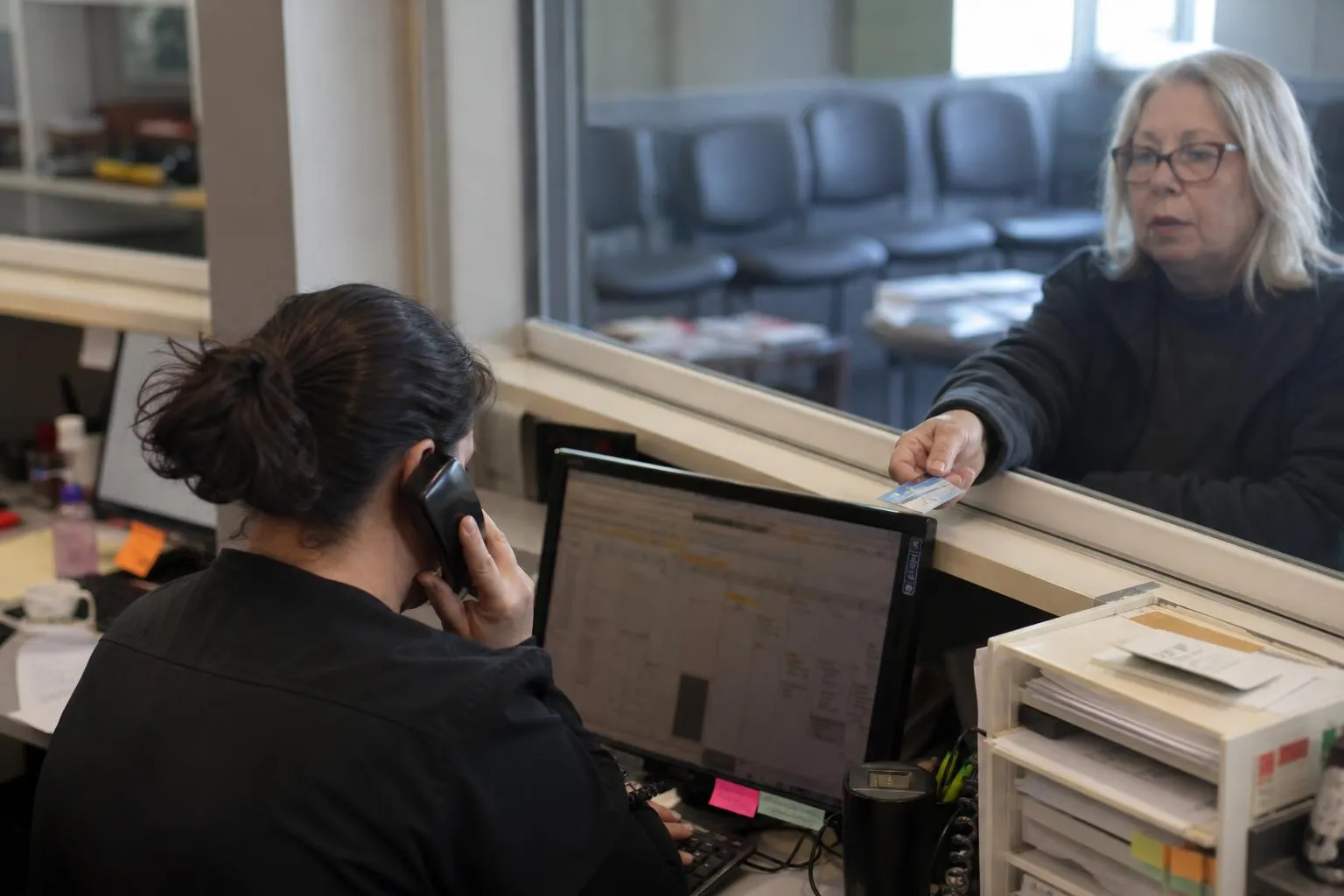
The phone at a dental front desk doesn't ring one call at a time. It stacks up behind check-ins, insurance verifications, and the patient standing at the window. A dental virtual receptionist is supposed to absorb that volume, but almost every article about one makes the same move: it describes the category, lists the features, and skips the only part that matters. The call itself.
So this article is the call. Five real call types (new-patient inquiry, reschedule request, insurance question, urgent same-day call, hygiene recall), walked through turn by turn: what the AI says at each step, what lands in your practice management system, and the exact line where a person takes over.
Key Takeaways:
Table of Contents
Two numbers explain why this topic stays crowded. In February 2025, the American Dental Association reported that about 62% of dentists named staffing shortages as a top practice challenge. The chairs aren't the constraint. The people answering the phone are.
The call math is worse than most practices realize. Peerlogic's analysis of dental call data found that only 68% of new-patient calls get answered at all, and just 42% of those answered calls turn into appointments. The Scheduling Institute's benchmark puts average new-patient call conversion near 53%, with the top 5% of practices above 85%. Vendor-attributed numbers, but the direction is consistent: most practices don't lose new patients at the marketing stage. They lose them between the ring and the appointment.
Five call types drive most of that volume and most of the front desk's day:
We broke down the missed-call revenue math in a separate piece. This one stays on the calls that do get through, and what actually happens on them.
Search "AI dental receptionist" and you'll find the same article ten times over: what it is, a feature grid, benefits, a FAQ, a demo button. That template answers "can it answer the phone?" It never answers what a practice manager actually wants to know: where does my staff pick up, and what do they get when they do?
So each walkthrough below is built the same way:
One boundary holds across all five.
The rule that never changes: the AI routes and captures. It never assesses symptoms, never gives clinical advice, never guesses how urgent something is. Your clinical team decides what happens next. The AI's job is that the call reaches them, with the context attached.
The caller: "Hi, do you take new patients? I just moved to the area."
What the AI says. "Yes, we're accepting new patients. Can I get your name?" From there the intake runs in a natural order: what brings you in, roughly when your last visit was, what days and times work, whether you'd like updates by text or call, and, if the caller has one, the dental benefit plan, captured exactly as stated: "Delta Dental PPO, through my employer."
That sequence isn't invented. It tracks the ADA's own patient intake guidance, which has practices ask prospective patients the reason for the call, their last appointment date, availability, contact preference, and dental benefit plan before scheduling. The ADA even tells practices to script their frequent call topics. The AI is that script, run the same way on every call instead of depending on whoever picks up to remember the order.
What happens in the system. A structured note: caller name and number, new-patient flag, stated reason, last visit, plan name, preferred times, contact preference. Where the practice's PMS integration supports it, the AI offers real openings and books the visit on the call. How deep booking runs depends on the practice's system and gets confirmed during setup. We broke the booking mechanics down call by call here.
The handoff line. The moment the caller asks something past the flow ("do you place implants, and who does them?"), the AI stops and routes: "That's one for our scheduling coordinator. Can I have someone call you back today?" The coordinator gets the full intake note and a callback task, everything from the call already written down.
The caller: "Hi, this is Maria. I have a cleaning Thursday at two and I can't make it."
What the AI says. "No problem, I can move that for you. What days work better?" Mornings, she says, next week if there's anything. The AI checks the schedule and offers two real openings: "We have Tuesday at 8:30 or Wednesday at 9:15. Either of those work?" Maria takes Tuesday. A confirmation text goes out.
What happens in the system. The Thursday slot releases the moment the new time is confirmed. The note records the move: patient, old time, new time.
The handoff line. Mid-call, Maria adds one thing: "Also, Dr. Reyes said to come back for the crown before the next cleaning. Does Tuesday still work for that?" Visit sequencing is a judgment the flow doesn't make, so it doesn't try. "Let me have the office confirm the right visit for you. Someone will reach out today." Staff get the note, the question, and her number.
Reschedules are the highest-frequency, lowest-urgency call at most desks. They're also the front half of no-show recovery: every visit moved cleanly is a slot refilled instead of a chair left open. The back half, same-day saves when a cancellation lands mid-morning, is a workflow of its own.
The caller: "Do you take Guardian PPO? And what would I pay for a crown?"
What the AI says. The first half it answers outright: "Yes, we're in-network with Guardian PPO." The second half it doesn't guess. "Your out-of-pocket depends on your plan. If you can give me the subscriber name and member ID, our billing coordinator can run your estimate. What's the best number to reach you?"
What happens in the system. A note with everything the coordinator needs: plan name, subscriber details, the procedure, callback number. Where the practice's verification path supports automated eligibility through its PMS, the workflow can trigger that check and relay what comes back. Where it doesn't, the capture-and-handoff version above is what runs. Which version applies depends on the practice's actual system and gets confirmed during scoping, not promised in a demo.
This is the call type that stalls desks. Industry analysis published by Patientdesk, citing Foji.io research, found only 58% of dental practices actively use automation for eligibility verification, and estimated the automated version saves 10 to 20 front-desk hours a week. Vendor-attributed and directional, but the pattern matches what practices report: insurance calls are long, repetitive, and rarely the best use of a coordinator's afternoon.
The handoff line. "Our billing coordinator will call you back today with your estimate." The plan math (deductibles, remaining maximums, downgrades) stays with the people whose job it is. The AI handled the part before it: the question captured, the details written down, the callback promised.
The caller: "I need to be seen today if you have anything open."
What the AI says. One question, and it isn't clinical: "I can connect you with our on-call person right now. Would you like that?" The AI doesn't ask what's wrong, doesn't advise, and doesn't rank the call's urgency. Those judgments belong to the clinical team, and the flow doesn't try to make them.
What happens in the system. A yes routes the call immediately, and the on-call person receives the caller's name, number, and request in writing. A no becomes a priority callback with the same details.
The handoff line. For this call type, the handoff is the workflow: the AI's job is getting the caller to a person fast. The practice authors the routing rule during setup: who's on call, in what order, what backs them up, and how the rule runs after hours. That's the same design that decides what a dental after-hours answering service does with a late-night call. We mapped the full coverage model for multi-site groups separately.
A tool that screens urgent calls is making a clinical judgment. This workflow doesn't make one. It moves the call to a person, immediately, every time.
The call: the recall list, worked top to bottom, patients due or overdue for a cleaning.
What the AI says. Short calls, same shape every time: "Hi, this is the office. You're due for your next cleaning. We have Wednesday at 10 or Friday at 2. Would either work?" A yes books on the spot and gets a text confirmation. A "not sure, text me" gets openings by SMS. A "call me next month" gets a note and a date, and the contact drops back into the queue for March instead of disappearing.
What happens in the system. Booked appointments land on the schedule. Text-back requests become SMS threads. The "next month" answers become a list with dates. Recall is the highest-volume, lowest-complexity communication most practices run, and the one that least often gets finished, because there's always something more urgent than the fourth recall call of the hour.
ADA Health Policy Institute data from 2022 found dental practice schedules running about 83% full on average, with cancellations and no-shows a leading reason for the open capacity. Recall throughput is how that capacity fills. The full recall system breakdown: list design, cadence, reactivation is its own piece. The short version: a list nobody finishes calling is a schedule that stays where it was.
The handoff line. Most recall calls never need one. Yes, no, and text-me all close themselves. The exception is the caller who says, "Before I book, I have a question for the office." That routes straight to staff with the recall note attached.
The walkthroughs above are the caller's side. This is the part of a virtual dental receptionist no feature grid shows: what your team actually gets.
| Call type | What lands with your team |
|---|---|
| New-patient inquiry | Name and callback number, new-patient flag, stated reason, last visit, plan name, preferred times, plus the question that exceeded the flow |
| Reschedule request | Patient name, old time and new time, the complication that triggered the handoff, callback number |
| Insurance question | Plan and subscriber details, procedure asked about, the estimate request, callback number |
| Urgent same-day | Caller name and number, the request, the time it routed to the on-call person |
| Hygiene recall | Booked appointments, open SMS threads, the "try again next month" list with dates |
Every handoff also carries the call reference, so if there's ever a question about what was said, the original call is one lookup away.
That table is the real answer to "does this replace the front desk?" Five call types, five clean pickup points. Every one ends in a completed transaction (a booked visit, a moved appointment, a confirmed recall) or a handoff to a person with the note, the callback number, and the next step attached. Your team stops spending the day on calls a script can run and spends it on the ones that need them: the complication, the estimate, the sequencing question, the caller who asks for a person. It's capacity for the team you have.
The fastest way to judge any of this is to hear it. A short demo on your own call types says more than another feature grid.
If you run operations across sites, read those five walkthroughs differently. Every front desk handles these calls somehow. The question is whether they handle them the same way. A traditional answering service for dental office groups covers the phones, but every site is its own arrangement. With front desks alone, "how we handle a new-patient call" has a different answer at every location, and nobody can see which version converts.
Deploy the same five flows at every site and the call types become a standard. New-patient intake runs identically in Phoenix and Tampa. The urgent-call rule routes to whoever is on call at that site, by the same logic. And because every flow reports separately, group leadership can see which locations convert new-patient calls, which sites actually work their recall lists, and where urgent handoffs are reaching a person, the visibility most multi-location groups don't have today.
That's also the test for a vendor. Greetmate scopes, builds, and tests the workflows before go-live, and someone guides the rollout at each location. A flow that works on the first location's demo is easy. One that still works on the fifth location's Monday morning is the deliverable.

Reduce front-desk call volume and improve patient communication.
Go live in hours with done-for-you setup.
Often, yes. Booking and appointment write-back are widely supported across practice management systems, so on many setups the AI offers real openings and confirms the visit on the call. Exactly which actions run automatically depends on your PMS and integrations, and it's confirmed during scoping rather than assumed. The structured intake note is the baseline; live booking is what your system supports.
The AI answers what the practice set up as directory facts, like in-network plans. Everything plan-specific (plan name, subscriber details, the procedure, the callback number) gets captured and handed to your billing coordinator as a note. It doesn't guess numbers, and it doesn't leave your coordinator reconstructing the call from memory.
It routes, and it doesn't assess. The AI asks one question, whether the caller wants to be connected to the on-call person right now, and routes immediately on a yes. It never asks about symptoms, never advises, and never ranks urgency; those judgments stay with your clinical team.
No, and the five walkthroughs above are the proof. Every call type ends one of two ways: a completed transaction, or a clean handoff to a person with the note and callback number attached. The front desk keeps the calls that need a person, with better context than a cold transfer ever provided. It's capacity for the existing team.
Disclosure at the start of the call is the safe default on both counts: identifying the assistant, and noting that the call may be recorded. Recording consent rules vary by state; several states require all-party consent before recording, which is why the announcement belongs at the top of every call. This is operational guidance, not legal advice; see the disclaimer below.
Every feature list for an AI receptionist for dentists reads alike, because the features mostly are alike. The differences show up on the line: whether the intake actually runs the ADA's question order, whether the handoff arrives as a structured note or a cold transfer, whether the urgent rule routes to your on-call person without assessing anything, and whether anyone tests the flows before your Monday morning has to.
That last question is where Greetmate starts. It's healthcare voice and SMS infrastructure for practices and groups: workflows scoped, built, and tested before go-live, a team that guides the rollout, connections to the systems the practice already runs (dozens of EHRs and practice management systems, plus the calendars, forms, and inboxes around them), and reporting that shows what came in and what it produced. HIPAA-ready, with a BAA available.
So ask for the thing this article has been showing. Book a discovery call, bring your own five call types, and hear a live flow run the new-patient intake, the reschedule, and the insurance handoff. If you run a group, see how the same standard holds across locations. The call settles what a feature grid never will.
Disclaimer: This article is operational guidance, not legal advice. Call recording and AI disclosure requirements vary by state — a number of states require all-party consent before a call is recorded — and announcing at the start of a call that it may be recorded is the safe default. Confirm the requirements for your locations with qualified counsel.
Find helpful articles in our blog that are all about business, customer service and AI technology.
The write-back actions verified today for athenahealth, eClinicalWorks, Open Dental and Dentrix, the CRM routes for calls that don't belong in a chart, and who actually builds the workflow.
The healthcare version of missed call text back: an automated callback within sixty seconds, an SMS fallback, and a staff handoff, plus the TCPA and HIPAA rules the practice owns.