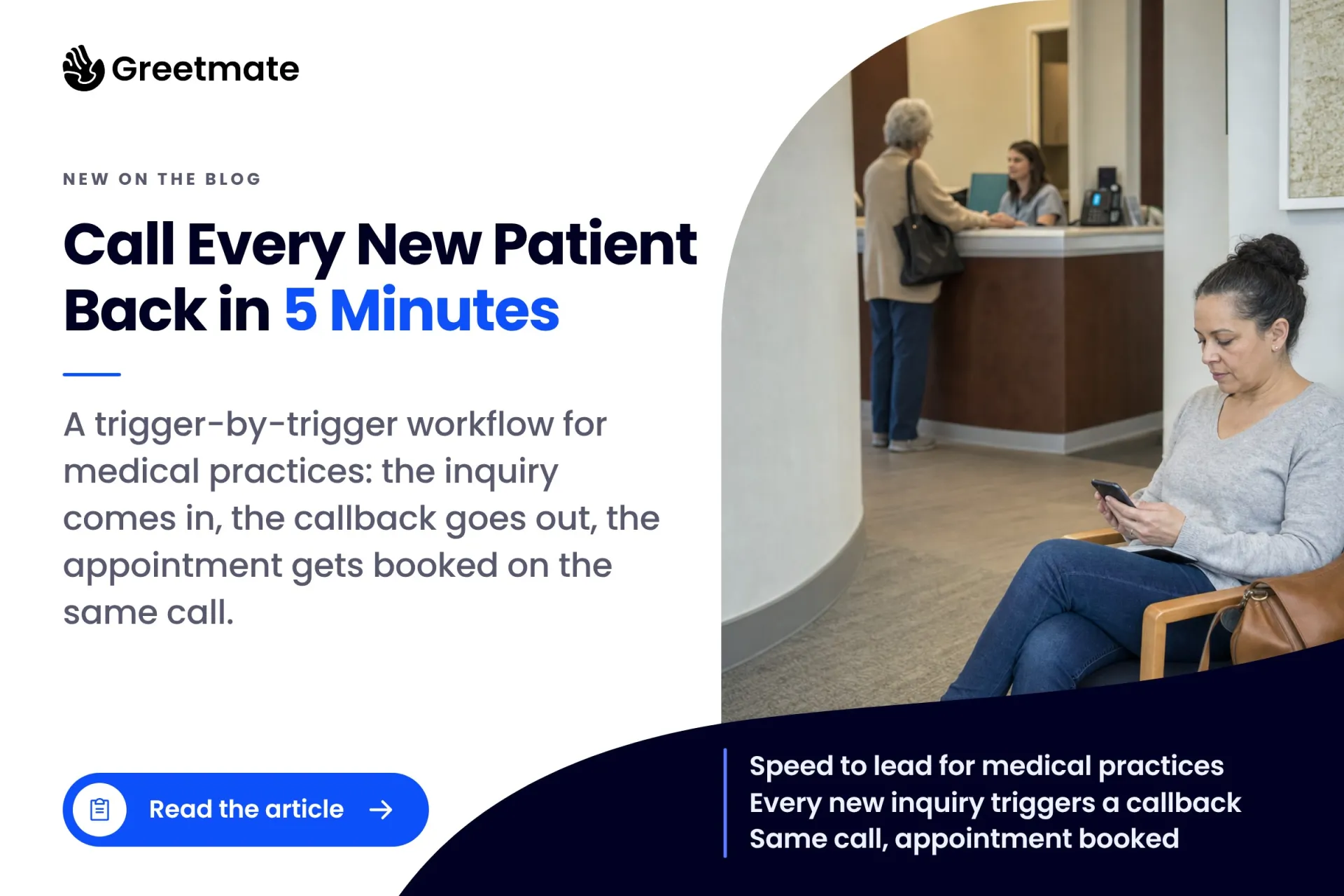
What is speed to lead, and why it works differently in a practice
Speed to lead is the time between a new inquiry arriving and the practice making first contact. In healthcare, the inquiry is a new patient: someone who submitted a website form, tapped a Facebook Lead Ad, clicked a Google ad, or was referred by another provider. The clock starts the moment they act.
Every article ranking for this term is written for B2B sales teams, and the assumption underneath all of them is a dedicated callback queue: people whose only job is working leads. The famous numbers come from that world: a study of 15,000 web leads found that calling within five minutes instead of thirty made a lead 21x more likely to qualify. We covered what that means for patient access in The First Practice To Respond Usually Wins. The short version: a patient who can't reach your front desk calls the next practice on the list.
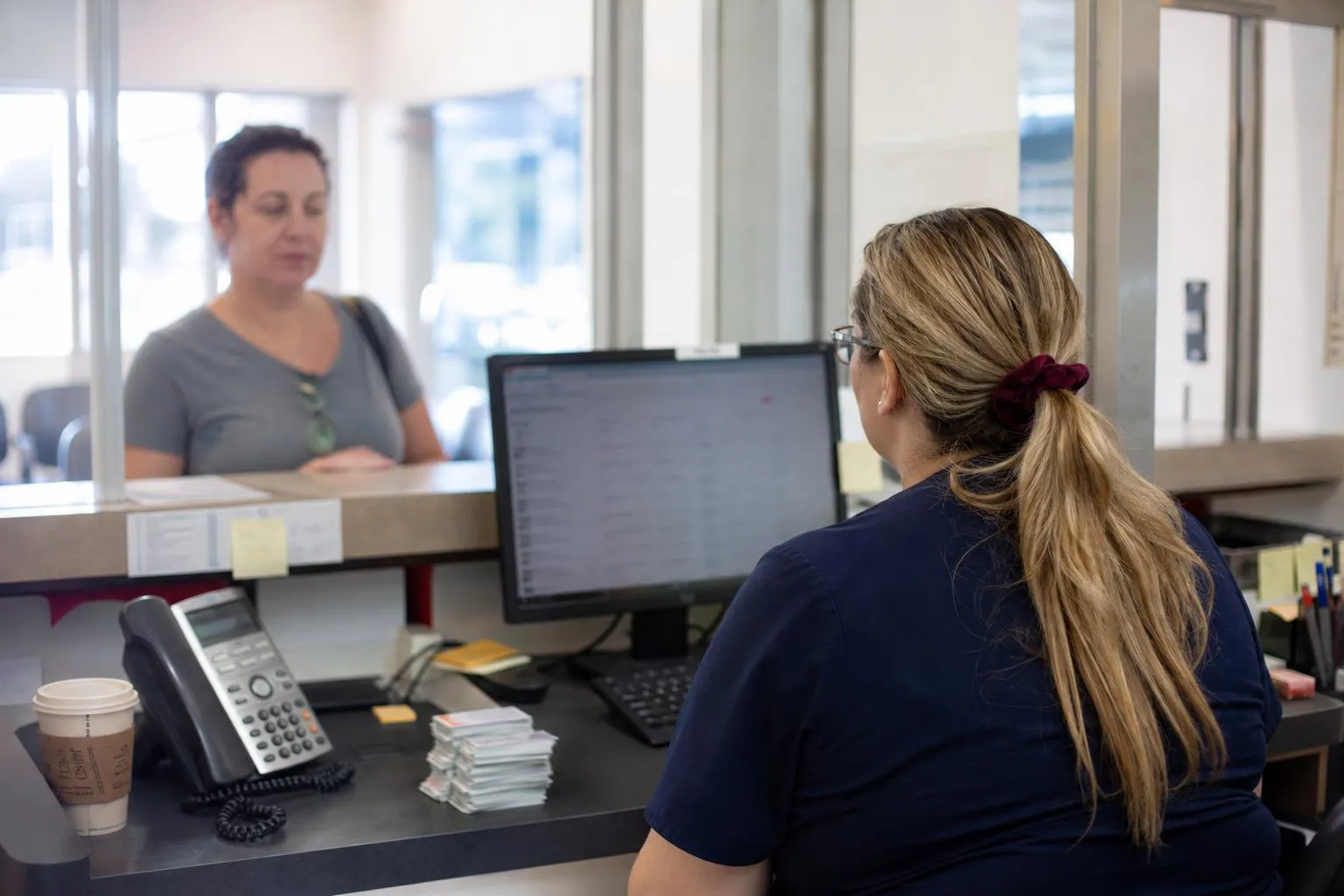
A practice has no callback queue. The same two or three people answer phones, check patients in, take payments, and pull charts, often in the same ten minutes. A front desk can return one inquiry fast when the moment is quiet. It cannot return every inquiry in five minutes, because inquiries arrive exactly when the desk is least available.
That constraint is why the industry averages two hours. It's also why the window is only reachable when automation carries the first touch: leads contacted within five minutes are dramatically more likely to book than leads contacted after an hour, and human staff can't respond that quickly to every inquiry.
Why five minutes is the benchmark (and what the data says past it)
The practice-specific data is blunt. Inquiries contacted in the first five minutes are about 9x more likely to book than inquiries contacted around the one-hour mark, and returns diminish quickly past thirty minutes. The 2026 conversion benchmarks point the same direction: cutting response time from 45 minutes to near real-time improved conversion by up to 61 percentage points in high-intent inquiry channels. That is where the revenue comes from: the same inquiry, answered inside the window, books at several times the rate.
The working benchmark for a practice is under ten minutes during business hours, as close to five as possible. Past that window the odds have already fallen: the patient has usually booked with someone else.
One distinction matters before you build anything. Speed to lead applies to high-intent inbound inquiries: a form from someone who just clicked your Google ad, a Facebook Lead Ad from this morning, a new referral. Those patients are choosing a practice right now. A dormant-patient reactivation list is a different workflow with different economics; we cover it here. For dental patient acquisition and most call-heavy specialties, paid-channel leads are where the window bites hardest, because the patient is actively comparing practices at that moment.
The workflow: what triggers the call, source by source
Every lead source fires the call differently, and the trigger is the first thing to map. It decides whether the call goes out in minutes or waits for someone to work a list.
Website forms. Squarespace, Wix, Typeform, and most embedded practice forms support a webhook or form-submission integration. The submit event fires and the outbound call starts within minutes.
Facebook and Instagram Lead Ads. Meta's lead forms push submissions through a native lead-gen webhook the moment the patient taps submit. It's the cleanest trigger in the stack: the call can start while the patient still has their phone in hand.
Google Ads. The ad click isn't the trigger; the conversion is. The click lands the patient on your form or on a call to a tracking number. The form submission or logged call event fires the workflow, and ad-level tracking tells you which campaign produced the lead.
Click-to-message and missed calls. A patient who messages the practice or calls and hangs up is an inbound capture, but it feeds the same workflow: the follow-up call or text goes out on the same fast clock.
New referrals. This is the source where the trigger depends most on your software. Some EHRs expose a usable event when a referral is entered; many don't, and EHR API support for workflow triggers is often thin. Where the API supports it, the workflow wires to the referral event. Where it doesn't, the workflow starts from a simple list the referral coordinator maintains: add the referral or flag a row, and the call goes out. Both paths are real; which one you get is confirmed during scoping.
None of these triggers fire at end of day. The call goes out while the patient is still thinking about your practice, and the path for each source is verified during setup against the software you run. That is what a scoping call maps: which sources you have, which fire natively, and which need a list to start the clock.
Qualify and book in the same call, against live availability
Most speed-to-lead advice stops here. Calling fast and leaving a callback request is voicemail with extra steps. A booking link sent by text has the same problem in a different shape: the patient has to act later, and later is where leads go dark.
The workflow that converts finishes the job in the same conversation:
- Qualify. New or existing patient, what they're calling about, insurance, preferred location if you're multi-site.
- Book against live availability. Real open slots, offered on the call.
- Route what needs a person. An insurance question the workflow shouldn't answer, or an existing patient with a complex request, escalates to a human instead of being guessed at.
The calendar side can run on several surfaces. Standalone scheduling tools like Calendly or Acuity expose live availability directly. EHR scheduling is the practice-specific part: booking and write-back are widely supported across many EHRs, often through HIPAA-aligned middleware such as Keragon, though the specifics vary by EHR and are confirmed during setup. We walked through what booking on a live call looks like in this piece.
The integration is what makes the speed real: a trigger that lands in a system nobody watches still waits for a human. The call only goes out in minutes when the trigger, the calendar, and the booking talk to each other.
That structure is why speed alone isn't enough. Speed gets the call answered; qualifying and booking in the same call is what turns a fast response into a scheduled patient. A five-minute voicemail is still a voicemail.
Running it without adding staff, and seeing what it produced
For a practice owner, this is dental practice growth math. Every inquiry that lands during peak front-desk hours or after hours is an inquiry the current setup loses, because the desk is a fixed number of people and inquiries don't time themselves around it. A workflow catches those inquiries without adding proportional headcount. We covered the response-time ROI here and the staff-free capture model here.
The reporting side is where the speed-to-lead metric lives. Leadership should be able to see:
- time to first contact, per lead source
- how many inquiries became booked appointments
- which source converts, and at what rate
- which calls escalated, and why

That's the difference between believing you're fast and knowing every inquiry was called back inside five minutes. Greetmate builds this as workflow infrastructure. The team scopes which lead sources and triggers you have, builds and tests the trigger-to-booking workflow before go-live, and connects it to the systems the practice already runs: dozens of leading EHRs through HIPAA-aligned middleware such as Keragon, plus your forms, calendars, and inboxes. Leadership gets the reporting: what came in, and what it produced. Greetmate is HIPAA-ready with a BAA available, the workflow builder is no-code, and basic deployments are often live within hours. Multi-site groups run the same build as a standardized response path across every location.
The compliance footnote every speed-to-lead article skips
Automated outbound calls are the mechanism the whole strategy runs on, and no healthcare article ranking for speed to lead covers the rules that come with them, which is odd.
These calls are regulated under the TCPA, and the FCC ruled in February 2024 that an AI-generated voice is an artificial or prerecorded voice. The consent and identification obligations apply no matter how human the voice sounds. Marketing calls made with an artificial voice require prior express written consent, and that consent has to be collected on its own, not bundled into a general terms checkbox. The stakes are concrete: non-compliant artificial-voice calls carry statutory damages of $500 to $1,500 per call.
The practice owns this policy: what your forms say, what consent you collect and keep on file, and what each workflow is allowed to do. We confirm the specifics of any deployment during scoping, so the workflow matches the policy you have.
FAQ: speed to lead for medical and dental practices
What is speed to lead in healthcare?
The time between a new patient inquiry arriving and the practice making first contact. The inquiry is a new patient: a website form, a Facebook Lead Ad, a Google Ads click, or a new referral. The clock starts when the patient acts.
How fast should a practice respond to a new patient inquiry?
Under ten minutes during business hours, as close to five as possible. The first five minutes carry roughly 9x the booking odds of a one-hour response, and returns diminish fast past thirty minutes.
Can a front desk actually hit a five-minute response time?
Not on every inquiry. Inquiries arrive when the desk is busiest: mid-check-in, mid-payment, two lines holding. Practices that hit the window consistently use automation for the first touch during peak and after-hours, with staff handling whatever escalates.
Does speed to lead matter for dental patient acquisition?
Yes, and arguably most. Dental practices run high-intent paid channels where the patient is comparing practices right now. The five-minute window is where a form fill becomes a booked appointment, and the practice that calls first usually books first.
The five-minute window is a workflow problem, not a staffing problem
No hiring plan makes a front desk available at the moment every inquiry lands, and no callback list survives a busy Tuesday. The practice that builds the trigger-to-call-to-booking path captures the inquiries everyone else returns after lunch (every form, every ad lead, every referral) and books them in the same call.
That build is what Greetmate does: scope your lead sources, wire the triggers, test the workflow before go-live, and connect it to your scheduling setup, with reporting that shows what came in and what it produced. Book a discovery call and we'll map your lead sources and triggers. Bring the channels you're paying for, and we'll show you what a five-minute response path looks like on each one.