Patient intake automation is usually bought for the forms patients finish. The expensive problem is the ones they don't. A patient opens the intake form on a phone, works through three screens, and closes the tab at a required field they can't answer yet. The insurance card is in the car; the pharmacy name escapes them. If the form platform saved that attempt, the practice is holding a half-finished record with a name and a phone number attached. If it didn't, the attempt never existed.
Mobile intake completion runs at 49.78%, just under half, even though 81% of patients say they'd rather fill out forms digitally than on paper. Patients aren't rejecting digital intake. They stall partway through and move on, and form-abandonment research has found that only about 20% of people who abandon a form follow up on their own.
This post is the fix for that one breakpoint: how to detect a half-finished form, fire one automated call, collect only the missing fields, and write the answers back without anyone at the front desk typing a thing. It also covers the TCPA and HIPAA rules that apply before the workflow goes live.
Why half-finished intake forms are the quietest leak in patient intake automation
We mapped where patient intake breaks down across the whole patient journey in an earlier post: the missed calls, the general inboxes, the follow-up lists nobody works. The half-finished form is the quietest item on that list because it fails silently. No bell rings. The patient doesn't call to say they gave up.
Form-abandonment research from 2018 still describes the behavior: 81% of people have abandoned an online form after starting it, and 67% who hit a complication never come back. Patients rarely chase a practice either; 85% won't retry after one unanswered attempt. Even the forms that do get finished leak: 49% of practices route form fills to a general inbox, where they sit until someone notices.
The frustrating part is that patients want this channel: 74% would rather complete intake digitally before the visit. The leak isn't preference; it's friction in the middle of the form. That makes the abandoned form the rare leak that hands you the recovery materials: a name, a number, and most of the fields already answered, sitting in your own system.
The recovery workflow in one paragraph
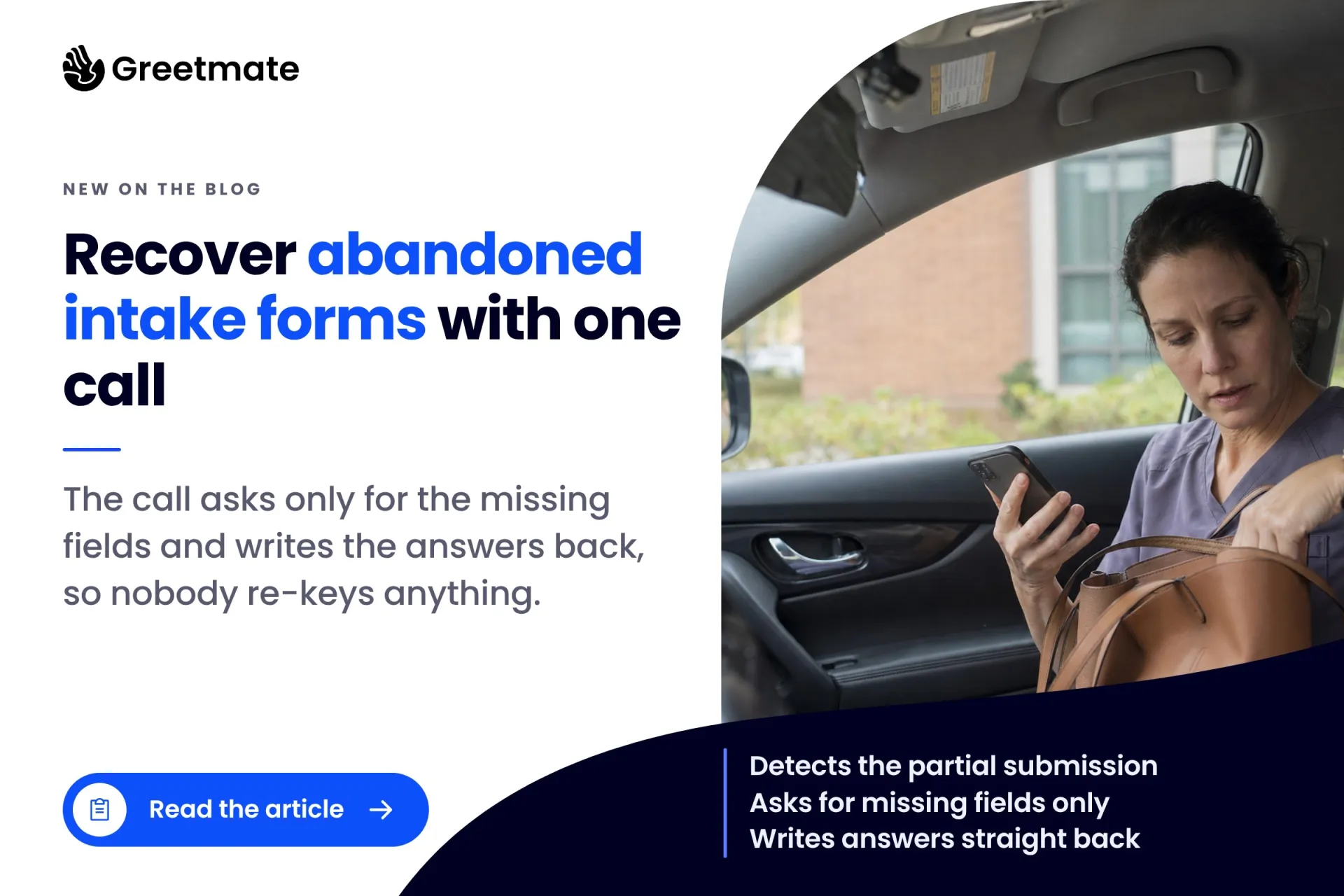
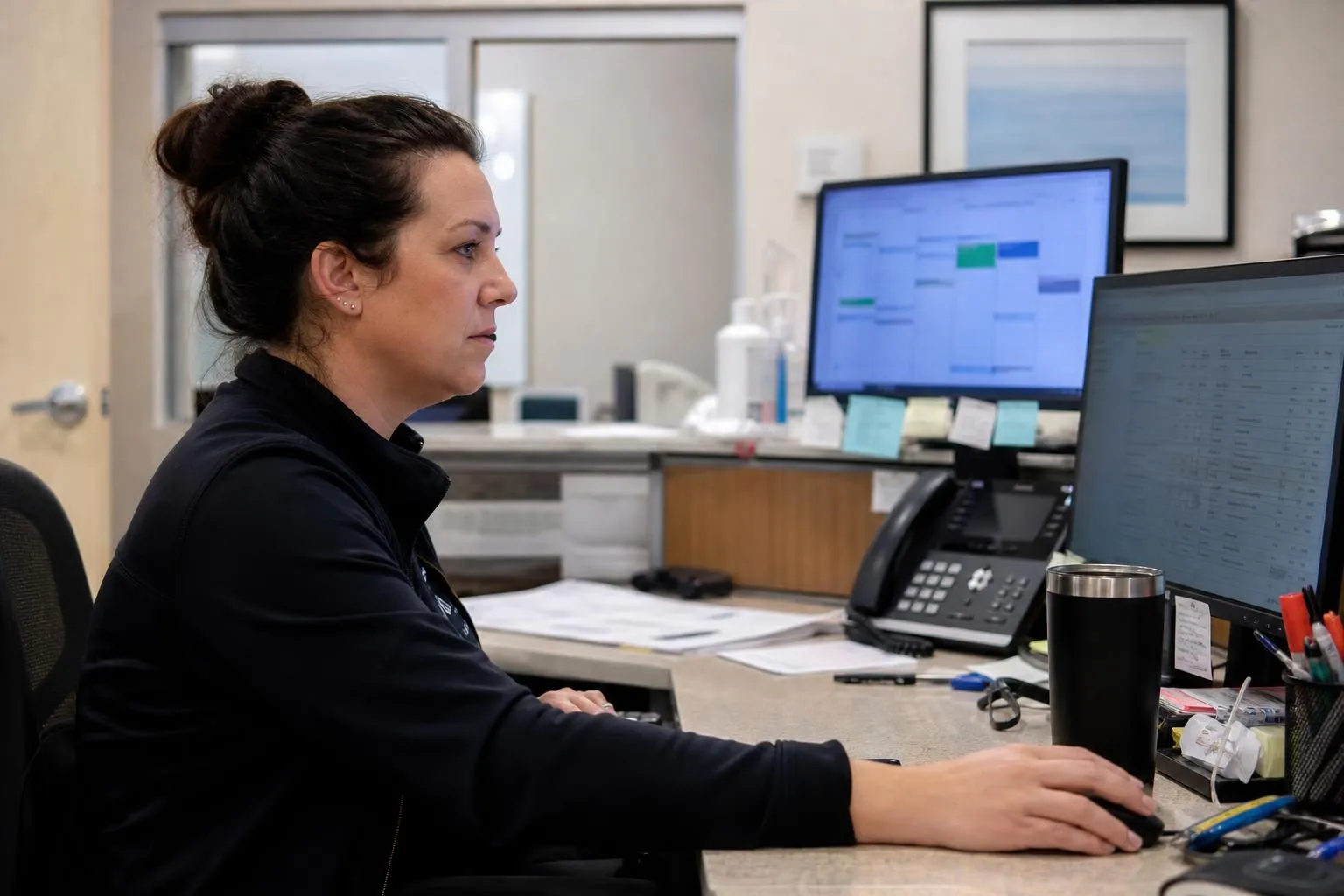
When a patient starts an intake form and doesn't submit it, the form platform saves the partial entry. After an idle window of 30 to 60 minutes, a trigger fires one automated outbound call. The call reads the partial entry, asks only for the missing required fields, confirms what it heard, and writes the answers back. One call, no staff data entry.
Where an email nudge asks the patient to start over, this call finishes the form while they're on the line.
Step 1: Make sure your digital patient intake platform saves the partial submission
Nothing downstream works if the partial form doesn't exist somewhere your automation can reach it. This is the gating step, and it's the one most practices skip: they assume the form platform saves unsubmitted work. Some do. Some don't.
What the major platforms actually expose:
- Halaxy captures name and contact details from incomplete forms natively and flags the record as a lead after 30 minutes of inactivity. That's a practice platform treating a half-finished form as a recoverable lead, which is the exact behavior this workflow builds on.
- Gravity Forms does it through Partial Entries, which saves incomplete submissions in real time. Relevant if your intake runs on a WordPress site.
- Jotform can autosave progress field by field, but what gets saved depends on the plan and the form settings. Confirm what your account actually retains before you build on it.
- IntakeQ and PracticeQ don't currently surface unsubmitted forms as a recoverable object. The workflow still works. The trigger just has to come from somewhere else, which is Step 2.
Step 2: Set the abandonment trigger (and where the webhook workaround comes in)
This is the piece that turns a saved partial into automated patient intake: a rule that fires when a form has been started, left incomplete, and stayed that way past a cutoff. Here's what the vendor pages don't say. The connector you'd expect to use doesn't always ship one.
Keragon, the healthcare automation platform Greetmate partners with for app-to-app connections, has an IntakeQ connector. As of this writing it has no abandoned-form trigger; it works with submitted intake documents. So for IntakeQ and PracticeQ, the trigger comes from somewhere else, through one of two patterns:
- The form platform's own webhook. If the platform emits an event when a partial entry is saved (Gravity Forms' Partial Entries does), point that webhook at the automation layer and start a timer.
- A scheduled poll. With no event to catch, a scheduled job checks for partial entries every few minutes and flags any form idle past the cutoff.
Either way, the output is the same: a form ID, a phone number, and a timestamp, handed to the workflow that places the call.
Step 3: Read the partial form mid-call and ask only for what's missing
The patient answers, and the call names the practice and the form in progress: they started their intake, got partway through, and the practice is calling to help them finish. It takes about two minutes of their time.
While they're on the line, the workflow pulls the partial entry through the Keragon connection and checks it against the form's required fields. If four screens are done, the caller never mentions them. The patient hears questions only about what's blank, and never the "please start the form from the beginning" experience that makes people hang up.
Each answer gets read back for confirmation before it's saved. The call also knows its limits: if the patient asks something the flow isn't built to answer, or asks for a person, it hands off to a staff member with a note about where it stopped.
This is the call Greetmate runs: a structured flow with set questions, set confirmation steps, and a defined handoff point, built and tested before go-live. The script and the escalation rules get approved by the practice before anything dials.
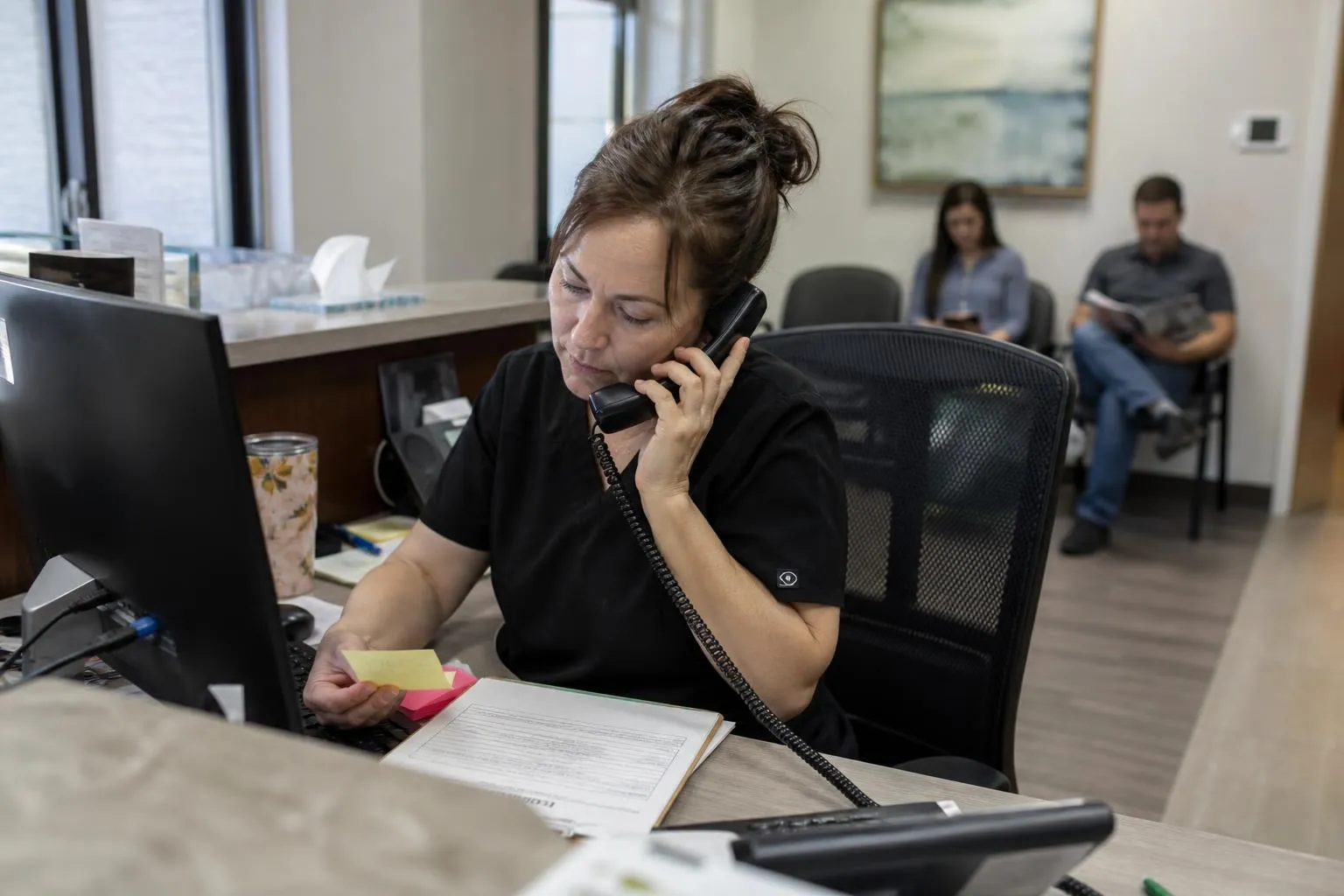
Step 4: Write the answers back to the form and the EHR
Everything the call collects lands where it belongs. The answers go back to the form record first, so a partial becomes a complete submission inside the platform the practice already uses. Where the EHR integration is in place, the same answers reach the chart, and the front desk never re-keys them.
That write-back isn't an out-of-the-box default. It's scoped during implementation against the practice's form stack and EHR, then configured and tested before go-live. Greetmate integrates with dozens of EHRs, and that integration work is part of the implementation we run with you.
Afterwards, the results show up in reporting: recovery calls placed, forms completed, handoffs that needed a person. Leadership can see what came in and what it produced.
If you'd rather hear this call than read about it, see the workflow in action. The fastest way to judge it is to listen to one.
TCPA: what you must know before turning on automated outbound calls
An automated outbound call is a regulated call, and this workflow places them, so the rules come before the dialing. In February 2024 the FCC ruled that AI-generated voices count as artificial voices under the TCPA. That puts these calls under the prior-express-consent requirement, and violations carry statutory damages of $500 to $1,500 per call.
A patient starting your form is a strong signal of interest. It is not, by itself, consent to receive an automated call. Three things to settle before go-live:
- Consent language in the form itself. The intake form should state that starting it authorizes the practice and its service providers to contact the patient by call or text about the intake and the appointment. Counsel approves the wording.
- Opt-out handling on every channel. A stop request made on a call or by text gets honored immediately, everywhere.
- A hard cap on touches. One recovery call, at most one text fallback, then stop.
When Greetmate builds this workflow, consent capture and opt-out handling are part of the configuration, and the practice's counsel reviews the language before anything goes live. The legal posture belongs to the practice; the workflow has to be built to respect it.
HIPAA-compliant intake forms: the BAA chain from form platform to voice layer
An intake recovery workflow moves patient information between systems: the form platform, the middleware, the voice provider. HIPAA compliance is the covered entity's responsibility, so what matters is a signed BAA with every vendor in the chain before the workflow goes live. A HIPAA-compliant intake form stops being compliant the moment its answers travel to a vendor with no BAA in place.
For this workflow the chain has three links: the form platform the practice runs, the middleware connecting it (for Greetmate deployments, typically Keragon), and the voice AI provider itself. Greetmate is HIPAA-ready, with a BAA available, and the vendor chain gets checked during scoping, so every system the data touches is accounted for before anything runs.
Frequently asked questions
Can you run patient intake automation without an EHR API?
Yes. The recovery call runs on the form platform, not the EHR. The trigger comes from a saved partial entry, the call collects the missing fields, and the answers write back to the form record. EHR write-back is a separate piece, scoped during implementation; recovery works without it.
How do you automate patient intake forms with AI?
Most patient intake software stops at the submitted form: collection, storage, maybe a reminder. The recovery pattern adds the missing half: a saved partial entry, a trigger after an idle window, and an AI call that asks only for the blank required fields and writes the answers back. Confirmations and reminders can ride the same workflow.
How do you recover abandoned patient intake forms?
Save the partial entry, wait out an idle window of 30 to 60 minutes, then place one call that asks only for the missing required fields and writes the answers back to the form. Email-only nudges recover little (only about 20% of people who abandon a form follow up on their own), and a link asking them to start over asks more of them than a two-minute call does.
Are automated outreach calls to patients TCPA-compliant?
They can be, with the right setup. The FCC's February 2024 ruling treats AI voices as artificial voices under the TCPA, so prior express consent is required, opt-outs have to work, and statutory damages run $500 to $1,500 per call. Consent language in the form and a counsel review before go-live are the baseline.
Does patient intake automation require a BAA with every vendor in the chain?
Yes, wherever patient data is involved. The form platform, the middleware, and the voice AI provider each need a signed BAA, and responsibility for the chain sits with the covered entity. Greetmate is HIPAA-ready, with a BAA available.
The operational payoff
An abandoned intake form is the rare leak that hands you the recovery materials: a name, a number, and most of the fields already answered. One timed call closes it, with no phone tag, no re-keying, and no follow-up list for someone to work between patients. Run it across locations and every site recovers intake the same way, with the numbers in one place.
Start with the diagnosis if you want the full picture: where patient intake breaks down maps every leak in the journey, and the hidden cost of intake leakage runs the revenue math. When you're ready to hear the call itself, book a discovery call and we'll scope the workflow against your form platform (IntakeQ, PracticeQ, Jotform, or whatever your intake runs on) before anything goes live.