After-Hours Answering Services for Medical Offices: 4 Models
Most practices have after-hours recorded, not covered. Compare voicemail, per-minute answering services, the on-call cell, and automated coverage, then audit your own line tonight.
| Greetmate
A medical answering service is a third party that handles a practice's phone calls: taking messages, routing calls to on-call staff, and covering after-hours and overflow. It is an administrative service, never a clinical one, and it works under a service agreement that includes HIPAA safeguards like a business associate agreement (BAA). Operators relay information; they don't assess it. The difference between the options comes down to what happens at the end of a call: a message passed along, or a request resolved.
A typical call has four steps:
That is where the two kinds of service split. A script-and-message service stops at step four; what you get is a message waiting for someone to act on. Workflow-based voice AI keeps going on the call itself. It can look up the schedule, book or reschedule, capture intake details, and write the result back to your practice systems, with judgment calls passed to your staff. For how that plays out at a real desk, see how front-desk call handling divides between automation and staff.
A practice needs one when call volume regularly outruns the front desk: missed calls at peak, gaps after hours, or more lines than the desk can cover.
Peak-hour misses. MGMA Stat polling found 36% of practices report 11% or more of their calls going unanswered or to voicemail at peak. A miss rate like that during the morning rush means the volume has outgrown the staffing.
After-hours gaps. Patients call outside 9-to-5, and a caller who hits voicemail in the evening often dials the next practice on the list in the morning. After-hours coverage models for medical offices breaks down four ways to close the gap.
Multi-line strain. When one desk covers several lines or sites, calls stack up while staff helps whoever walked in. Call centers are commonly measured against HFMA standards of a hold-time target around 50 seconds, average call abandonment of 7%, and a goal under 5%. Running above those numbers says the phone workload needs somewhere to go.
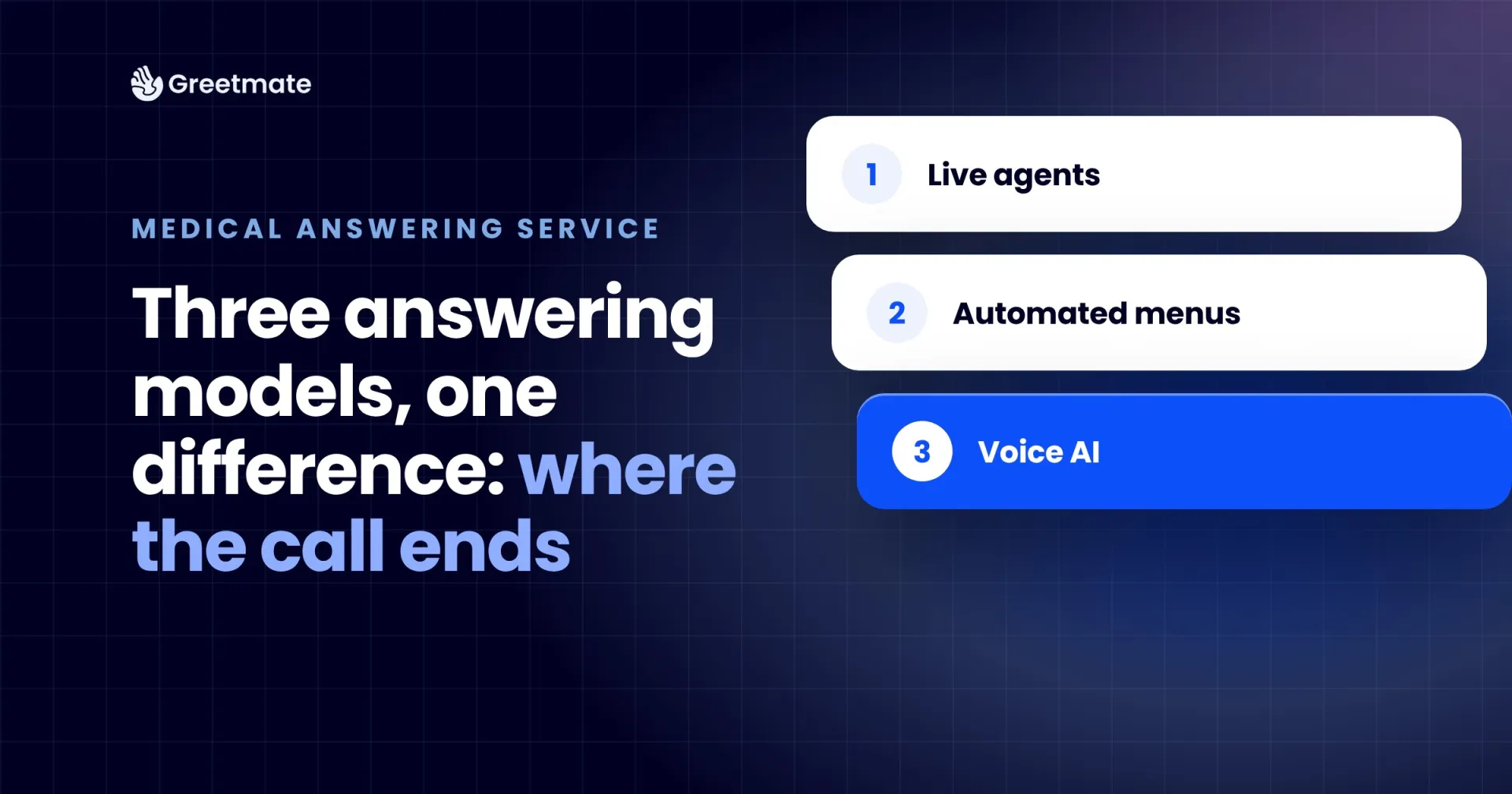
Medical answering services come in three models: live agents, automated menus, and voice AI. They differ in how far a call can go before a person has to finish it.
A person at a call center answers in your name, works from your script, takes messages, and relays them to your on-call staff. Callers get a human, which some practices want. But the agent can't see your schedule or your systems, so the outcome is almost always a message, and cost scales with agent time.
A recorded menu sorts callers by button press into voicemail boxes or extensions. It is the least expensive option and runs unattended, but it is rigid. Callers press numbers, repeat themselves, and hang up when the menu has no option for their problem. The menu sorts calls; it doesn't resolve them.
Voice AI answers in natural language and follows a designed call flow. In the workflow-based model it can act in connected systems: checking the schedule, booking, capturing intake details, writing results back. Anything that needs judgment goes to your staff. Greetmate works this way: HIPAA-ready, with a BAA, and it integrates with dozens of EHRs and practice management systems, including athenahealth, eClinicalWorks, ModMed, Dentrix, Open Dental, Eaglesoft, and many more (EHR and practice-management integrations). For a side-by-side, see automated medical answering services vs. IVR vs. live agents.
Reduce front-desk call volume and improve patient communication.
Go live in hours with done-for-you setup.
Most services bill per call, per minute, or at a flat monthly rate, with add-ons for setup, holidays, and after-hours tiers.
Per-call plans charge a set rate for each answered call, which is predictable, but every call counts, including quick hang-ups. Per-minute rates look low, but many plans round each call up in fixed increments, so a 40-second message can bill as a full minute; most medical calls are short. A flat monthly plan usually covers a basic message-taking package at a defined volume, and overflow past that volume bills per call or per minute.
Setup fees, holiday surcharges, and tiered after-hours rates sit outside the headline number. For current market ranges and the billing math most quotes leave out, see medical answering service costs in 2026.
It answers your calls in your practice's name, follows your script to take messages or route to on-call staff, and relays the results to your team, whether that is after hours, at peak, or on overflow.
It depends on the model: live-agent services usually bill per call or per minute, automated menus run at a flat monthly rate, and voice AI is priced by provider and call volume. The mechanics are in the pricing section above.
There is no single best. The right choice depends on what you want at the end of the call (a message passed to staff, or a request resolved in your systems) and on how the service fits your hours, call volume, and software.
Pick the model by what a caller should walk away with: a message waiting for your staff, or a request already handled in your systems. If a resolved request is the goal, a 15-minute discovery call with Greetmate walks through how the workflows would run in your practice: book a discovery call.
Find helpful articles in our blog that are all about business, customer service and AI technology.
Most practices have after-hours recorded, not covered. Compare voicemail, per-minute answering services, the on-call cell, and automated coverage, then audit your own line tonight.
Every platform has a compliance badge now, so the real question is who owns the stack and the work of keeping it compliant. This ranking scores five healthcare-only vendors on that, and shows what a developer platform actually costs once every provider sends its own invoice.
The average practice misses 23% of calls — and 85% of those patients never call back. Here's the real revenue math behind missed calls and how to fix it operationally.

Eight complete scripts for the calls your front desk gets every day, from records requests to recall, plus how each one becomes an automated call flow.